Your weekly dose of Apple news, iOS guides & more → Subscribe FREE

Apple Notes Is More Powerful Than You Think, and It’s Getting Even Better In iOS 27
Apple Notes is more than a simple note-taking app. Discover why it has become one of Apple’s most powerful apps and how new features could make it even better.
IOS 27
5/11/20264 min read
Hi! In this blog article, I want to talk about Apple Notes.
For a long time, Apple Notes felt like a simple app for quick thoughts, lists, and reminders. But over the years, it has become so much more than that. Since iOS 26, Apple Notes has grown into a serious competitor to other note-taking apps, with more powerful tools and a cleaner experience across the Apple ecosystem.
And with iOS 27 on the way, Apple Notes is expected to get even better.
Let’s dive in.
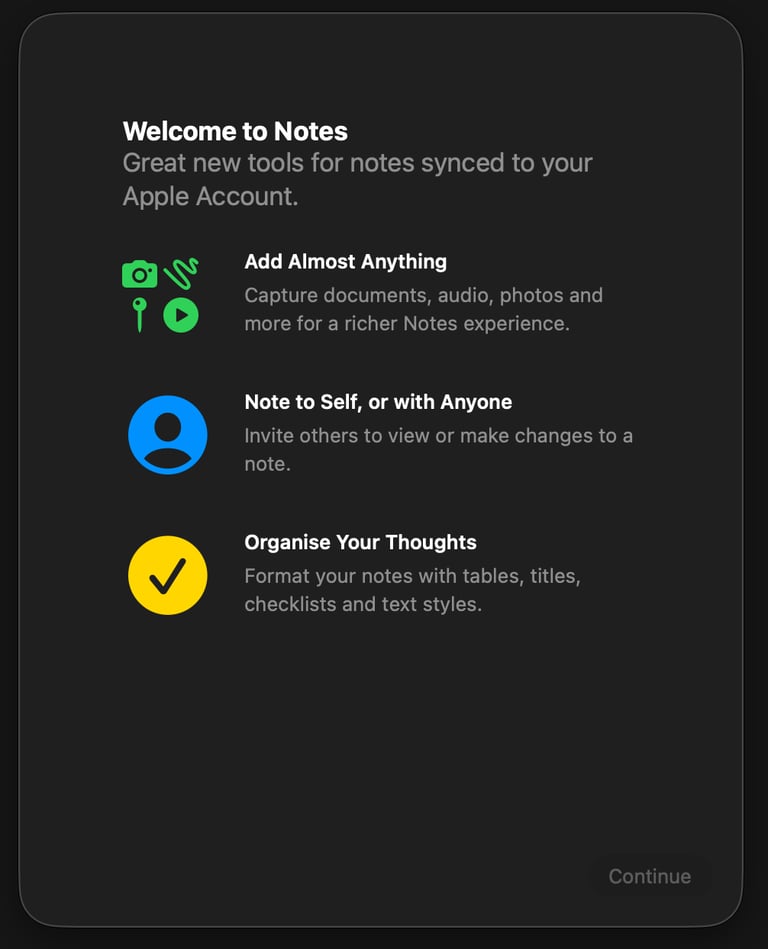
With iOS 26, Apple gave Apple Notes one of its biggest updates in years.
The first thing you notice is the new Liquid Glass design. Notes now feels cleaner, more modern, and more premium, with soft transparent layers and smoother animations throughout the app. It gives Apple Notes a calmer and more polished feeling while writing or organizing your notes.
Apple also introduced the new Adaptive Toolbar. Instead of showing the same fixed buttons all the time, the toolbar now changes depending on what you are doing. This makes important tools easier to reach and keeps the interface cleaner and less overwhelming.
Another really useful addition is Markdown import and export support. In simple words, this means you can now move notes more easily between Apple Notes and other writing apps that use Markdown formatting. It is especially helpful for bloggers, writers, students, and people who work across multiple apps and devices.
Together, these updates made Apple Notes feel much more powerful and professional in iOS 26, while still keeping the simplicity that makes the app so nice to use every day.


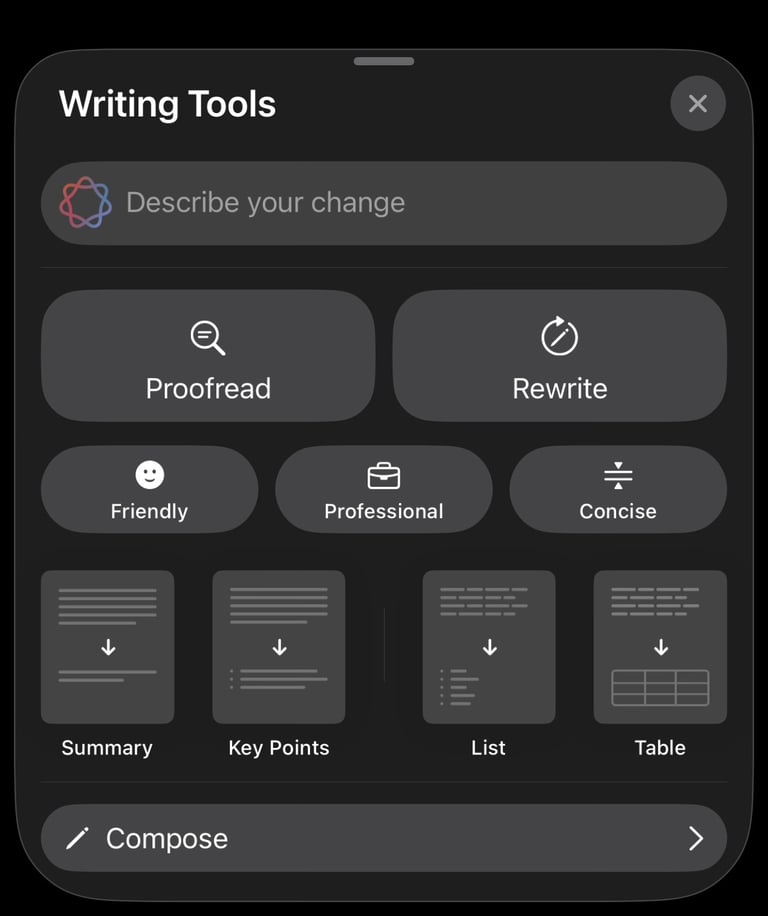


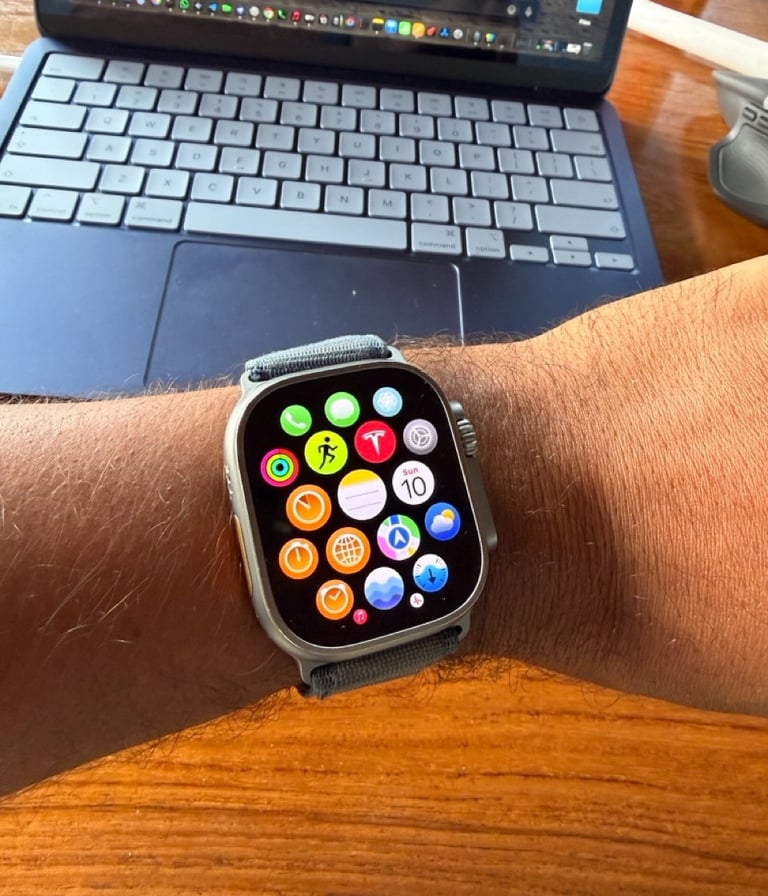
Apple Notes on Apple Watch
Apple also brought Apple Notes to the Apple Watch for the first time with watchOS 26.
This means you can now open the Notes app directly from your wrist and view your notes without reaching for your iPhone. Your pinned notes appear at the top, just like they do on iPhone, which makes it easy to find the notes that matter most.
What I really like is that you can also create new notes straight from your Apple Watch. With dictation, you can quickly speak a thought, idea, or reminder and save it instantly. Then you can continue working on it later from your iPhone, iPad, or Mac.
Apple Notes is getting more powerful with iOS 27
iOS 27 could bring an even bigger upgrade to Apple Notes, mainly because of the new Siri experience.
Apple is expected to give Siri a major AI update in iOS 27. After some delayed Siri features from iOS 18, this could finally be the version where Siri feels much smarter, more natural, and more useful in daily life.
The new Siri is rumored to work more like a modern AI assistant, with better world knowledge, a more conversational experience, and possibly even its own dedicated app. That alone would be a big step forward.
But for Apple Notes users, this could become even more interesting. Siri is expected to work more deeply with Notes, which means it could help create notes for you based on a simple request. For example, you could ask Siri to make a note with a cooking recipe, summarize information, or collect details about a topic directly into Apple Notes.
Personally, this is one of the iOS 27 features I’m most excited about. If Apple gets this right, Apple Notes could become much more than a place to write things down. It could become a smarter workspace that helps you capture, organize, and create ideas faster.
Siri’s new ability to add content directly into Apple Notes, combined with its smarter AI capabilities, could make iOS 27 a really exciting update for Notes users.
Instead of manually typing everything yourself, Siri may soon help you create, organize, and expand notes in a much more natural way. Personally, I think this could make Apple Notes feel more powerful than ever.


iOS 27 is expected to be unveiled by Apple at WWDC26 on June 8 at 10 AM PST. There will be a strong focus on AI and bug fixes and performances upgrades.
If you want to learn more about iOS 27 and the features we expect to see, you can read my full article about it here.
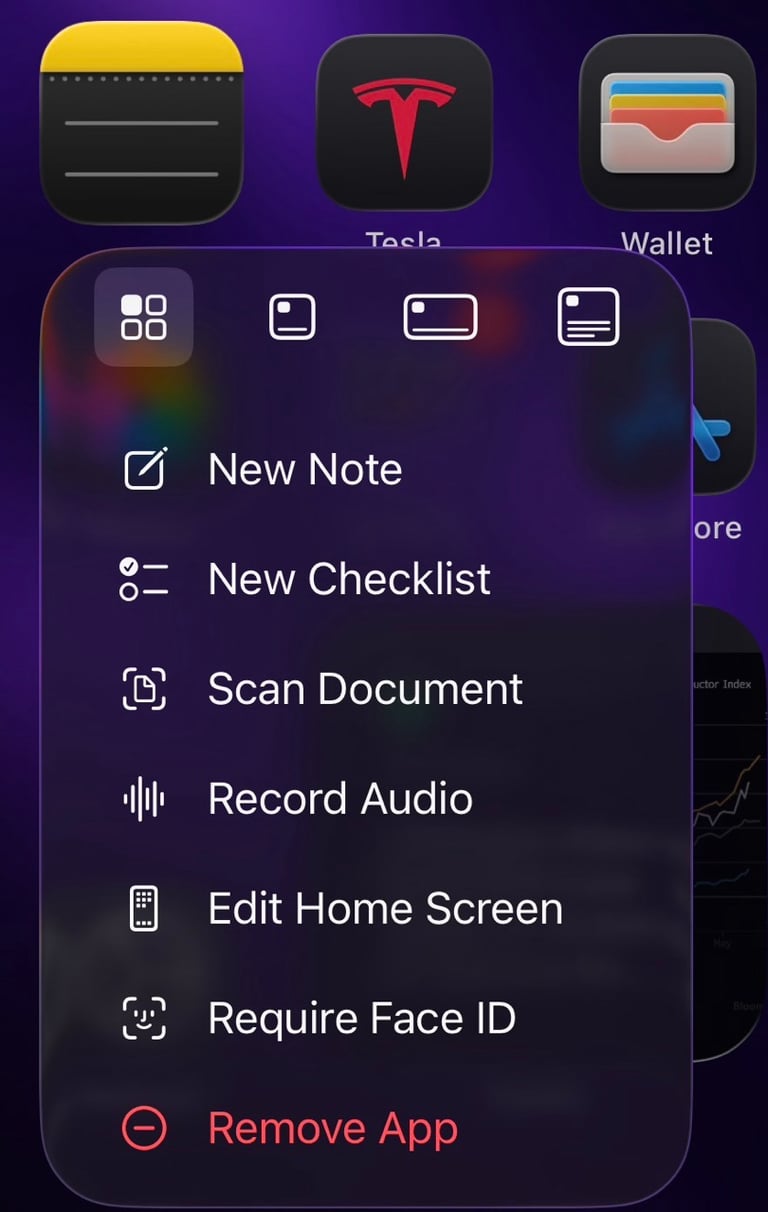
Pro Tip: If you long-press on Apple Notes, a hidden quick menu appears with useful actions you can access faster.You can also lock your notes with Face ID, which is great for keeping personal thoughts, ideas, and private information safe.
If you enjoy my content, you can also follow me on my Threads page. I post daily Apple insights, aesthetic photos, iOS tips, and the latest Apple news there. I’d really appreciate your support and would love to see you there. Scan the below QR code to go to my profile.