Your weekly dose of Apple news, iOS guides & more → Subscribe FREE

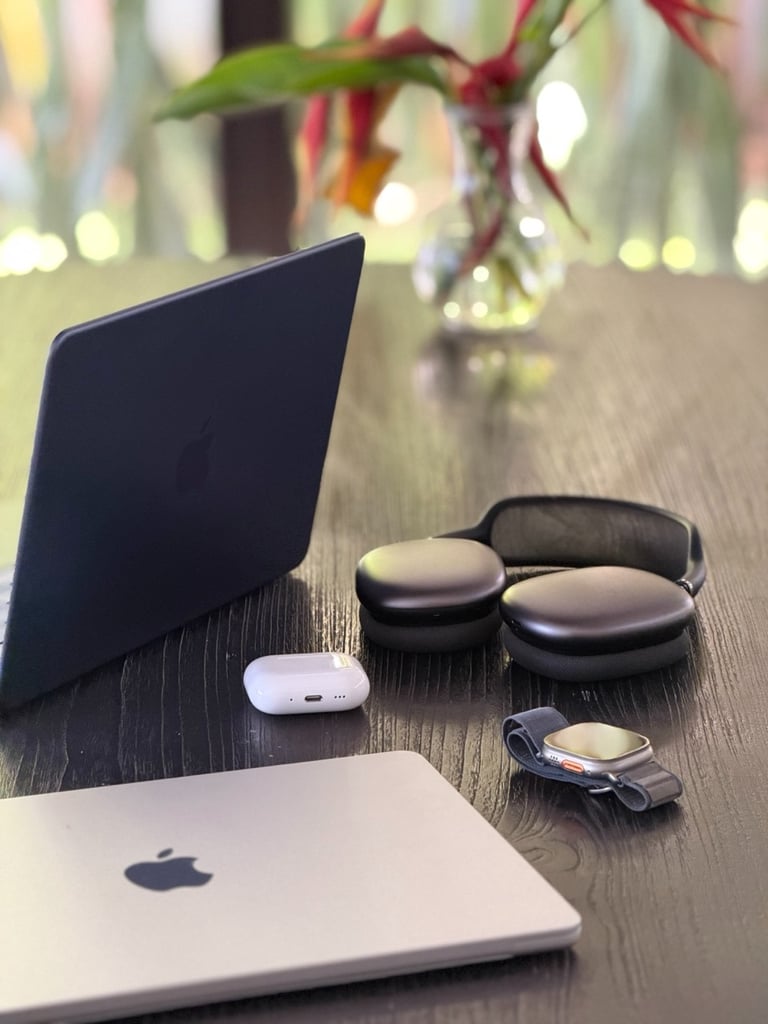
My Apple Ecosystem Setup in 2026: iPhone, MacBook, AirPods and Apple Watch
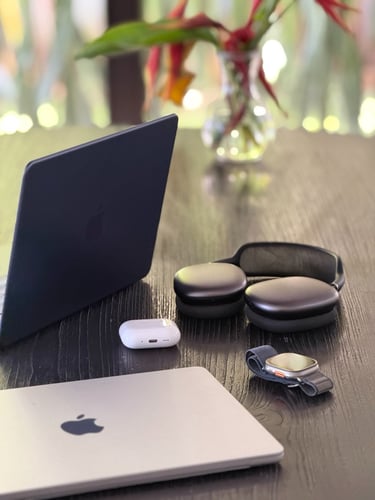
A personal look inside my Apple ecosystem setup in 2026. My iPhone 17 Pro Max, MacBook Neo, AirPods Pro 3, and Apple Watch Ultra 2, and how they work together in my daily creator workflow.
6/25/20268 min read
A Look Inside My Everyday Setup
People ask me about my setup almost as often as they ask me about Apple news, so I figured it was time to actually write it down.
This isn't a "dream setup" wish list. It's what's actually on my desk, in my pocket, and on my wrist right now, in 2026. Some of it I chose because it makes my work easier. Some of it I chose because, honestly, I just love how it looks and feels to use.
If you're curious how my Apple creator setup looks like from day to day, this is it. Let's talk about it.
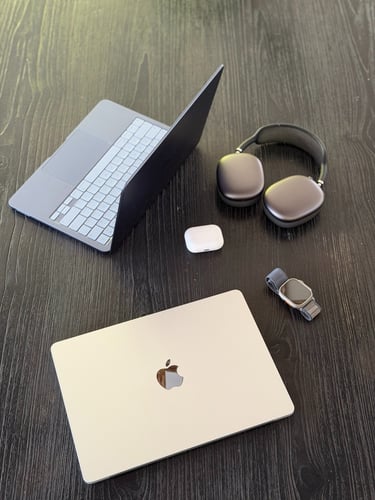
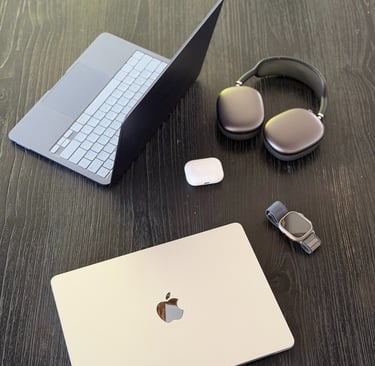
Why the Apple Ecosystem Works So Well for Me
First of all I would like to talk about why I choose for the Apple ecosystem. I could talk about specs all day, but the real reason I stay deep in the Apple ecosystem isn't any single device. It's how little I have to think about any of them, when working together.
For example: My iPhone unlocks my MacBook just by being nearby. A note I start on my Apple Watch shows up instantly on my iPhone. AirPods switch from my iPhone to my MacBook the second I open my laptop, no fumbling with Bluetooth menus etcetera. Photos I take in the morning are already sitting in my MacBook's Photos library by the time I sit down to edit in the afternoon. The iCloud sync works amazing for me.
None of that is flashy. For me it's just quiet, constant convenience. The kind you stop noticing until you use a setup that doesn't do this.
In my opinion that's the heart of any good Apple setup 2026: not one perfect device, but several good ones that talk to each other properly.
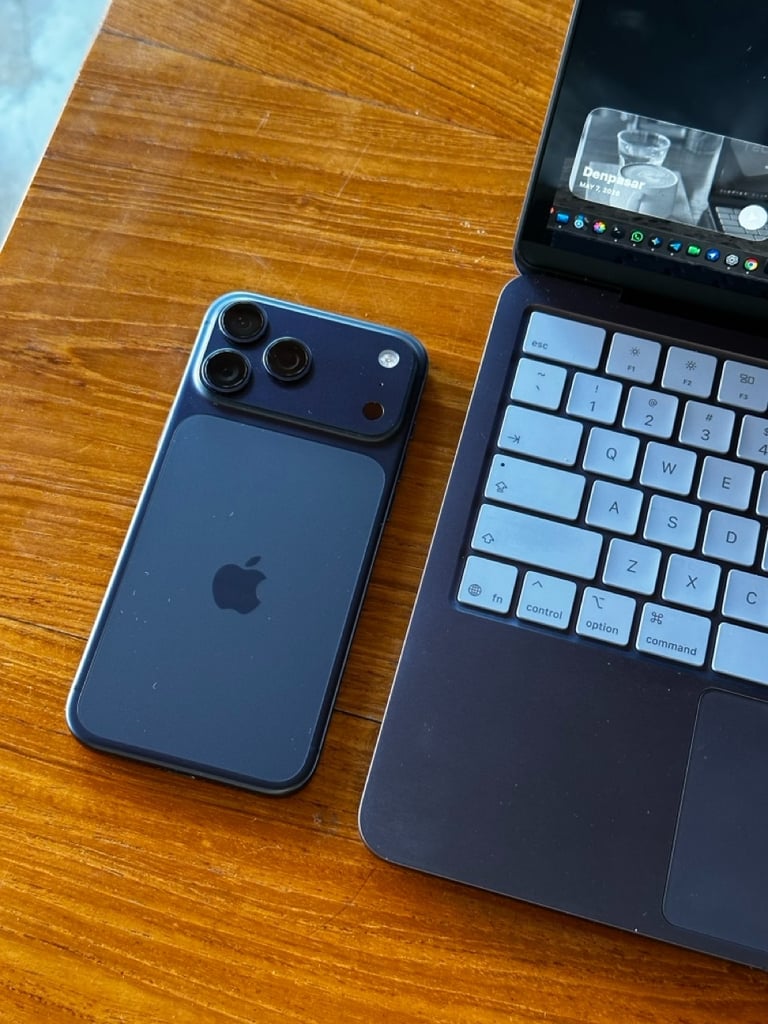
My iPhone 17 Pro Max: My Main Device for Content, Photos and Everyday Use
My iPhone 17 Pro Max in Deep Blue is the one device I genuinely could not run Tech with Eugene without.
It's my camera, my note-taking tool, my research assistant, and honestly my main computer most hours of the day. I shoot the majority of my Instagram and Threads content straight from it, and the photo quality is good enough that I rarely feel the need to reach for anything else.
What's changed the most for me is how much I lean on Apple Intelligence, Siri AI and other AI tools throughout my day. Summarizing long email Threads, cleaning up Photos or with the new iOS 27 Photos app I can reframe them or extend. Or surfacing reminders right when I need them instead of when I happen to remember to check.
If you create content of any kind, your iPhone is probably already doing more work than you give it credit for.
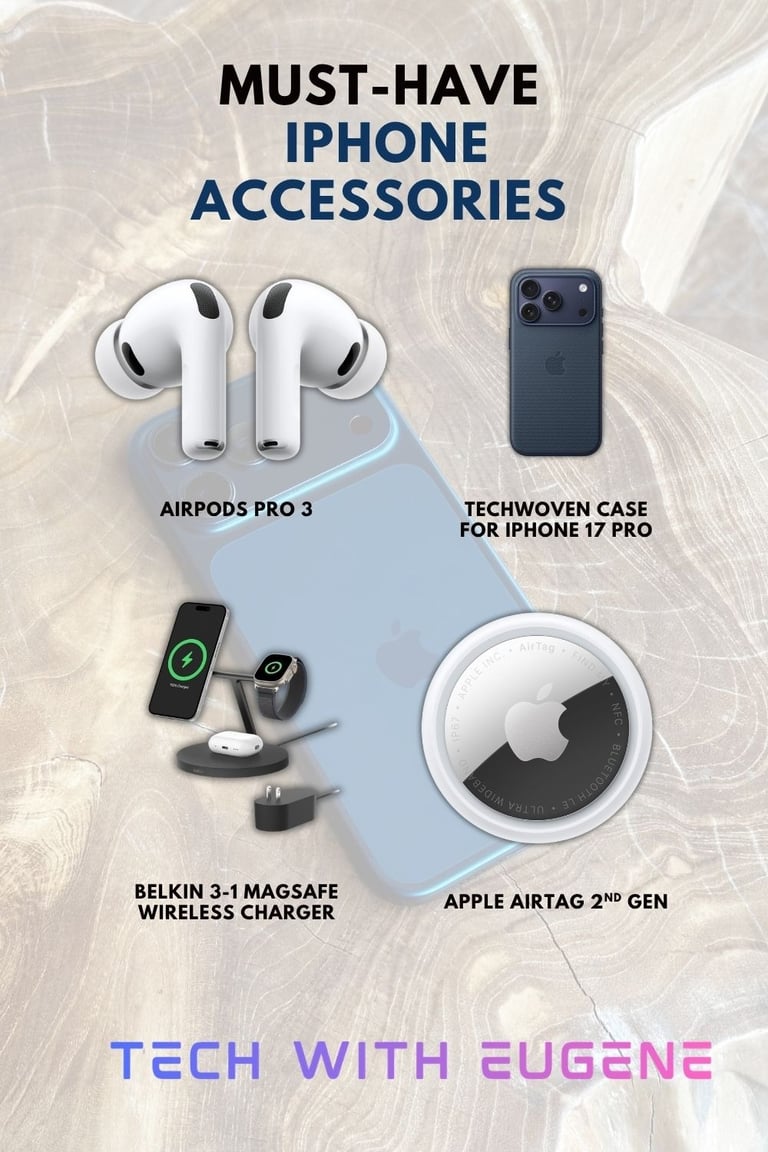
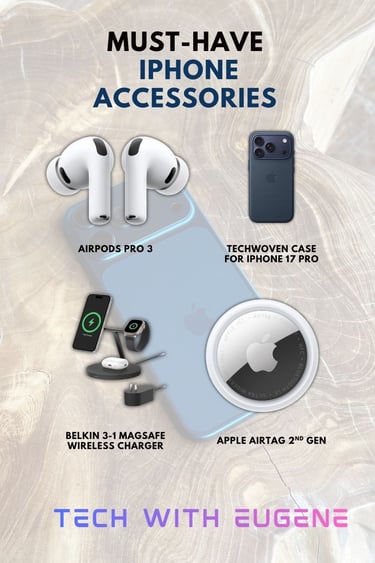
🔗 See my favorite iPhone accessories here
My MacBook Neo: A Light, Simple Companion for Writing blogs on the Go.
Here's where I want to be upfront with you, because I think it actually matters more than a glossy recommendation would.
My MacBook Neo in Indigo is not my main editing machine. It's not what I use for heavy video work or anything demanding. What it is, though, is the lightest, simplest laptop I own. And that's exactly the role it plays in my setup.
I reach for it when I want to write a blog post from a coffee shop, editing videos I shot on my iPhone, or perform task with AI like Claude, ChatGPT and even the new Siri AI in macOS 27 Golden Gate. This works perfect on my MacBook Neo. The aluminum design feels genuinely nice in hand, the Indigo color is definitely one of my favorite Apple finishes in years, and the battery comfortably gets me through a full writing session without me thinking twice about it. If you are curious, I wrote an blog article about my MacBook Neo after 2 months of usage. Read it here.
It's worth knowing this is Apple's entry-level Mac. This MacBook Neo runs on the same chip family as an iPhone 16 Pro rather than the M-series chips in the MacBook Air or Pro. So this means to me it's built for everyday tasks like writing, browsing, and light, but even heavy editing editing rather than anything resource-heavy.
For me, I consider this as a big plus point. It's exactly why it's earned a spot in my bag as my grab-and-go writing companion, while my more demanding MacBook Pro setup work happens elsewhere.
If you're a writer, student, or someone who mostly needs a reliable Mac for everyday tasks rather than heavy creative work, it's worth a look. It can eavn edit 4K videos. This is mostly thanks to the A18 Pro Chip.
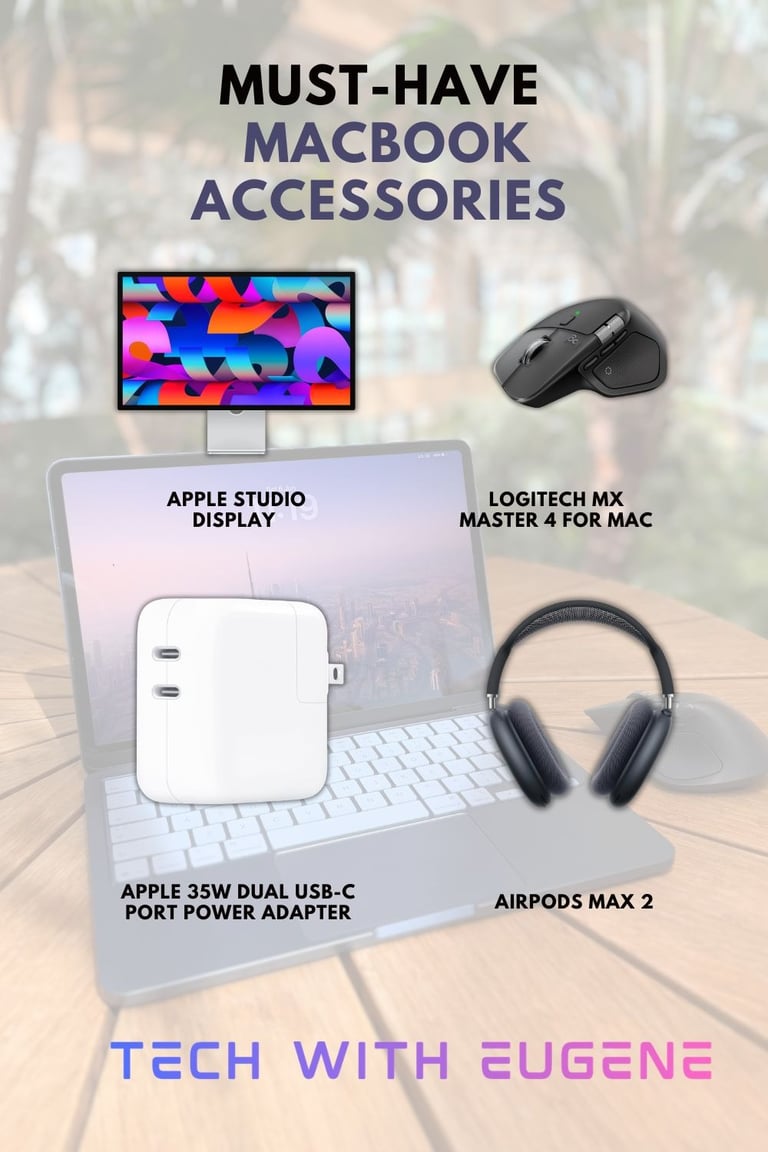
🔗 See my favorite MacBook accessories here
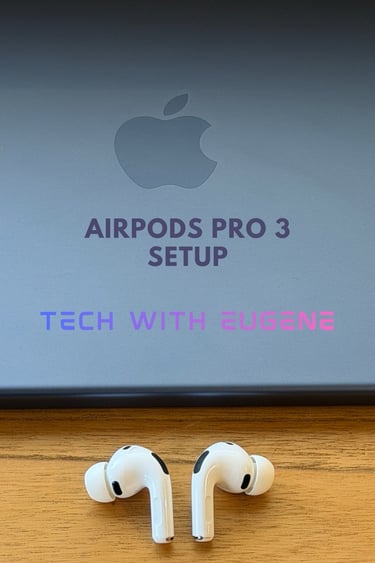
My AirPods Pro 3: Focus, Calls and Noise Cancellation
My AirPods Pro 3 rarely leave my ears during my daily work, and they've genuinely earned that spot.
The active noise cancellation is the best I’ve ever used in any pair of AirPods.
Before the AirPods Pro 3, I used the AirPods Pro 2 and already thought the noise cancellation was really good. But believe me, the AirPods Pro 3 are on another level. They make editing in noisy places actually bearable, and during my time in Bali, they made my coffee-shop writing sessions so much more productive.
Calls sound clearer too, which matters more than people expect when you’re working on your MacBook all day.
I found the fit noticeably better than my previous AirPods Pro 2. With my previous AirPods, I was often change the ear tips to get the right fit. With my AirPods Pro 3, I don’t really think about it anymore. They just sit well, seal properly, and let me get on with what I’m doing.
For anyone living inside the Apple ecosystem, the easy switching between my iPhone 17 Pro Max and MacBook Neo already makes my AirPods Pro 3 worth it. Add the better focus, clearer calls, extreme good noice cancelling, comfort during longer work sessions, and they are by far one of the best Apple recommendations I can make.
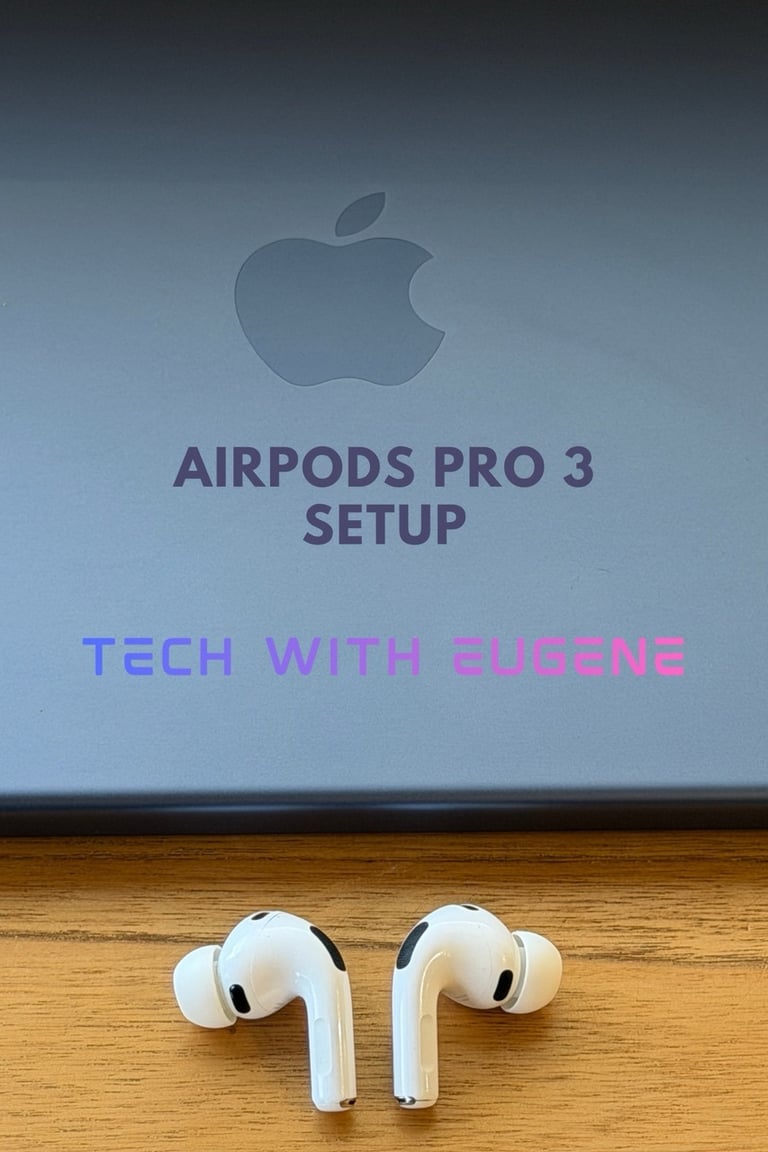
🔗 See my favorite AirPods Pro 3 setup here
My Apple Watch Ultra 2: Health, Notifications and Daily Convenience
My Apple Watch Ultra 2 has become the quiet workhorse of my daily routine.
I lean on it most for the things that might sound boring but to me genuinely matter: keeping me off my iPhone for quick notification checks, tracking my activity, mostly daily steps and morning workouts, and unlocking my MacBook the second I sit down at my desk. I really love that feature. It sounds maybe small until you’ve experienced it. Let me explain it: I use a MacBook Neo without Touch ID, but my Apple Watch Ultra 2 unlocks my MacBook for me. And honestly, I really love that.
If you have an Apple Watch you can easily set this up.
Click on → System Settings → Touch ID & Password → Unlock with Apple Watch → Turn it on.
What I also love about my Ultra 2 is the bigger screen and more rugged build. And I am a big fan of the always on display.
I get the notifications I actually care about, a quick glance at my daily schedule, and a battery that easily lasts me 1–2 days. It’s one of those small things that makes a much bigger difference in my daily routine than I expected.
It’s not the loudest Apple product I own, but for me it’s one of those devices that makes my entire Apple setup feel complete. I only realize how much I rely on it when it’s not on my wrist. I didn't expect to love my Apple Watch that much.
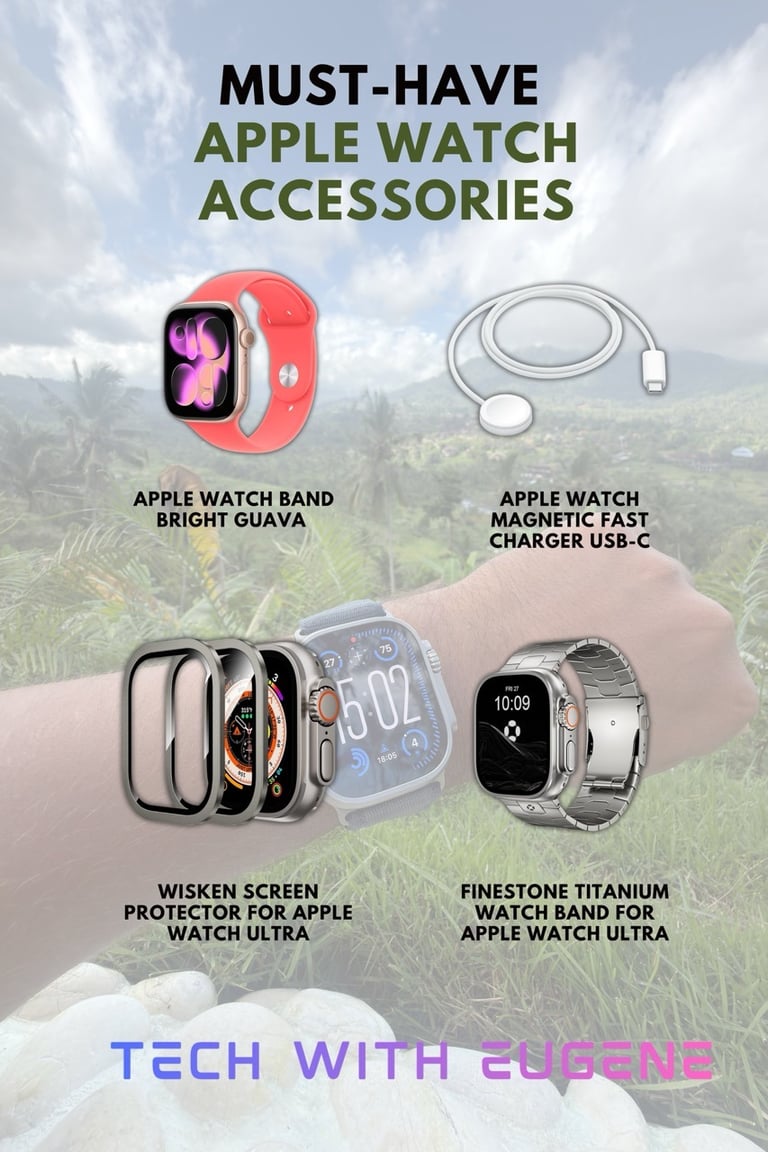
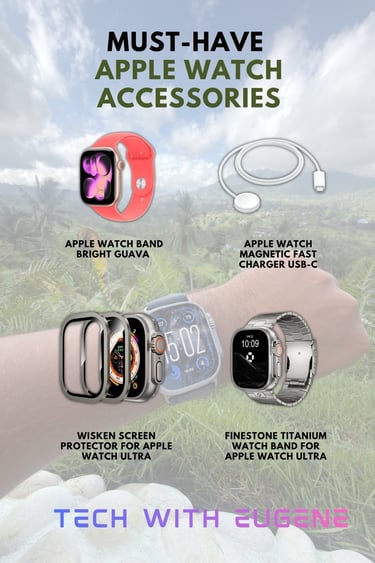
🔗 See my favorite Apple Watch accessories here
My favorite Apple ecosystem features
And again, for me, the Apple ecosystem is not only about the big features. It is mostly the small things I use every single day without really thinking about them. This is what I love about it:
Handoff lets me start something on my iPhone and continue on my MacBook. An email, a note, a Safari page. It just follows me everytime. How to turn on Handoff:
On iPhone:
Settings → General → AirPlay & Continuity → Turn on Handoff
On MacBook:
System Settings → General → AirDrop & Handoff → Turn on “Allow Handoff between this Mac and your iCloud devices”
Make sure your iPhone and MacBook use the same Apple Account, with Wi-Fi and Bluetooth turned on.
Universal Clipboard is one of those features I would really miss if it disappeared. I copy something on my iPhone, paste it on my MacBook, and it feels completely normal. It is similar to Handoff but it works slightly different. Universal Clipboard is about moving something quickly between devices. So you copy a text, a link, or a photo on your iPhone → press paste on your MacBook → and it appears instantly.
I use Handoff when I want to continue a task. I use Universal Clipboard when I quickly want to move something between my Apple devices.
Auto-unlock with Apple Watch is another one I love. I sit down, open my MacBook Neo, and my Apple Watch unlocks it for me. No Touch ID needed.
AirPods auto-switching makes working between my iPhone and MacBook feel effortless. I can take a call on my iPhone and then continue editing or writing on my MacBook without digging through Bluetooth settings.
The new Siri and Apple Intelligence. AI inside the Apple ecosystem. Another part of the Apple ecosystem that keeps getting better is Apple Intelligence and the new Siri in iOS 27.
I’ve been testing the new Siri, and this finally feels like the AI assistant I always wanted from Apple. It understands more context, feels more natural, and works together with the apps and information already on my devices.
What surprised me the most is that the new Siri even runs great on my 5-year-old MacBook Pro with the M1 Pro chip. A MacBook that launched years ago is still getting new AI features, and that is one of the things I really appreciate about Apple products.None of these features feel loud or flashy. But together, they make my Apple setup feel connected, personal, and easy to use. That is what I love most about the ecosystem.
Final Thoughts: Why This Setup Fits My Life
I really love each of these devices, but not because they are perfect on their own.The MacBook Neo is not going to replace a more powerful Mac for heavy editing. My Apple Watch Ultra 2 is not the newest Apple Watch anymore. But that is not really the point for me. Together, they fit the way I actually work. I write every day, create content, take calls, edit, plan, and stay reachable without my devices constantly getting in the way.
That is the real test for me. Not “is this the newest Apple product?” but “does this actually fit my day?”And for my Apple creator setup, this combination really does.
Follow me on my socials
If you enjoy my content, you can also follow me on my Threads page. I post daily Apple insights, aesthetic photos, iOS tips, and the latest Apple news there. I’d really appreciate your support and would love to see you there. Scan the below QR code to go to my profile.