Your weekly dose of Apple news, iOS guides & more → Subscribe FREE

MacBook Neo Indigo After 2 Months: The Apple Laptop I Keep Reaching For
After 2 months with the MacBook Neo Indigo, here’s my honest review on performance, battery life, portability and why the Indigo color still looks unreal.
PRODUCT REVIEW
5/17/20268 min read
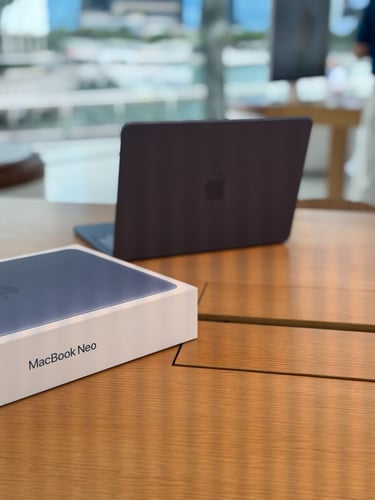
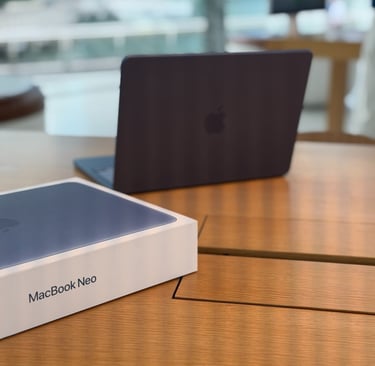
In March, I flew to Singapore to check out the new MacBook Neo in person, and honestly, I was already obsessed the moment I saw it.
I had followed the launch closely and was seriously impressed by what Apple managed to bring to a more budget-friendly MacBook. For its price point, the MacBook Neo looked almost too good to be true.
Luckily, the Apple Store had every model and color available that day. After seeing them all in person, my choice was easy: I went for the MacBook Neo in Indigo with 256GB storage. Now 2 months later, I want to give you my honest opinion about it. Let's dive into that.
First Impressions
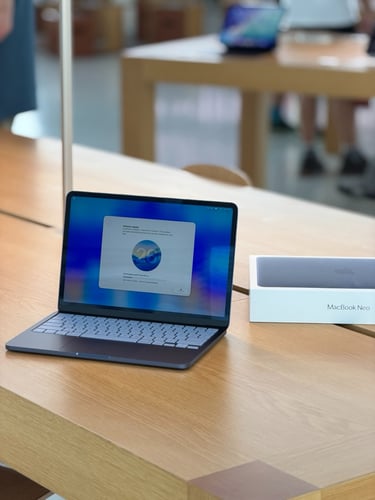
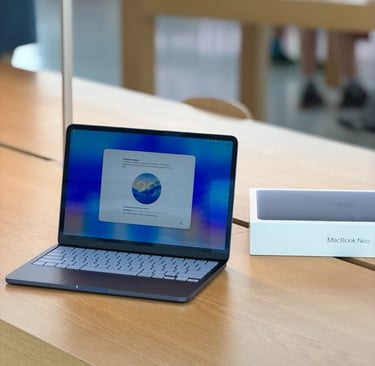
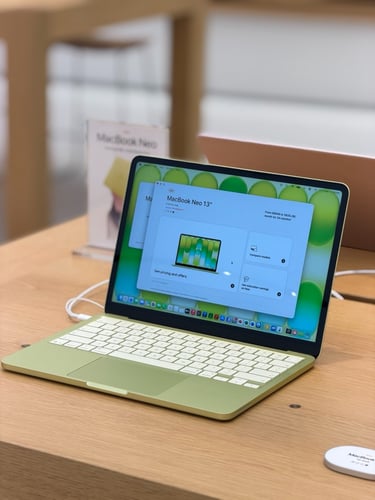
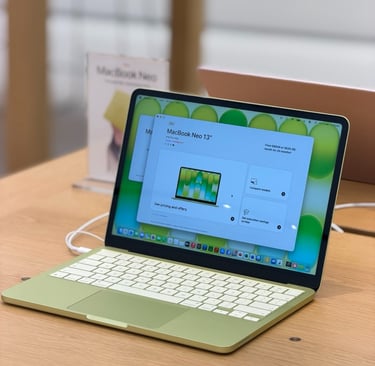
When I arrived in Singapore, I went straight to the Apple Store at Jewel Airport to see the MacBook Neo and all the colors in person.
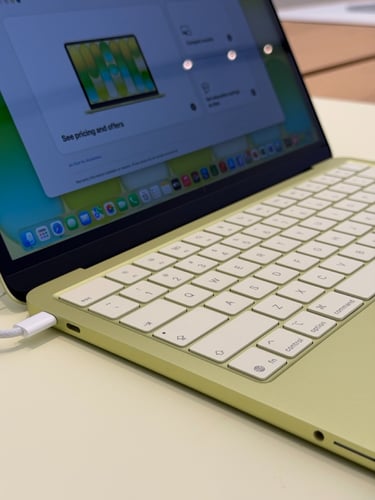
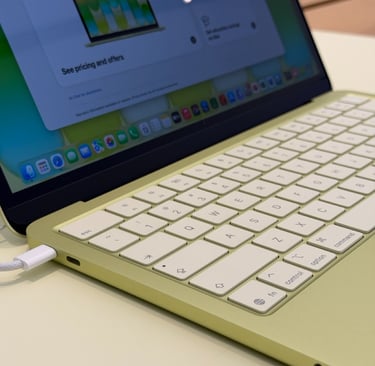
For some reason, Citrus had been stuck in my head from the beginning. But the moment I saw it in real life, I knew it wasn’t the one for me. It looked a little too bright, and it felt more like a hype color than something I would still love months later. I wanted a color that felt special, but also timeless enough to keep enjoying in the long run. That's why I thought Citrus might not be my color for this MacBook.
So I started looking at the other colors: Blush, Indigo and Silver. And honestly, they all looked really good. Silver even looked better in person than I expected.
But my eyes kept going back to Indigo.
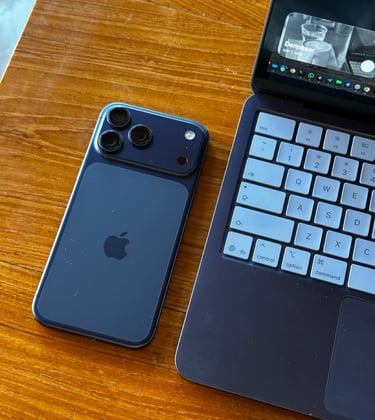
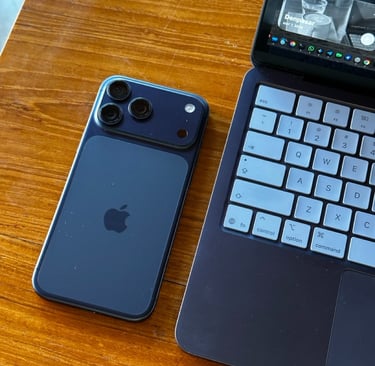
That color instantly gave the MacBook Neo a more premium look. And since I also use a blue iPhone 17 Pro Max that almost matches it perfectly, seeing Indigo on the MacBook Neo felt like an instant buy moment. I wanted to save that moment for later in the day, so I asked if they also had the Indigo model available at the Apple flagship floating store at Marina Bay Sands.They checked the stock for me and confirmed it was available there too.
Let's go to the floating Apple Store
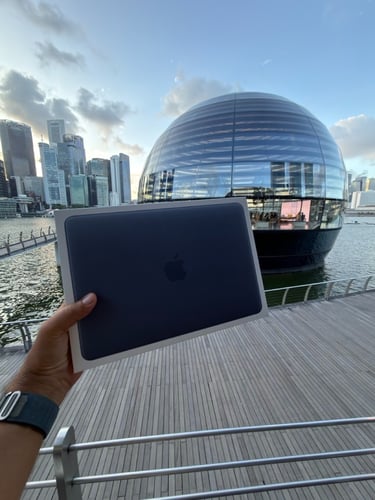
I wanted to make this moment feel special, because the MacBook Neo itself felt special — very peak Apple. And since I was already in Singapore, I decided there was only one place where I wanted to buy it: the most beautiful Apple Store in the world, floating on the water at Marina Bay Sands, surrounded by the high-rise buildings of Singapore.
Seeing the floating Apple Store for the first time was such a special moment.
I felt genuinely excited walking towards it, especially because it has its own private walkway over the water. You can also enter through the mall, where part of the route feels like you are walking underneath the water before stepping into the huge round store.
And once you are inside, the high ceilings and architecture make it feel even more impressive.
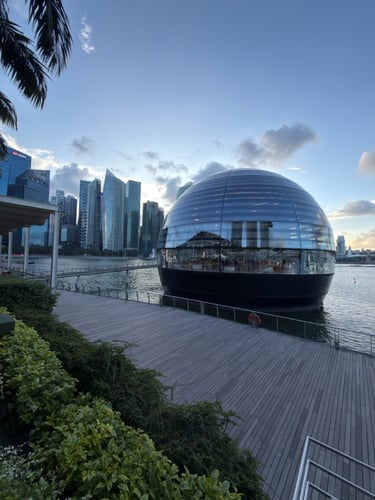
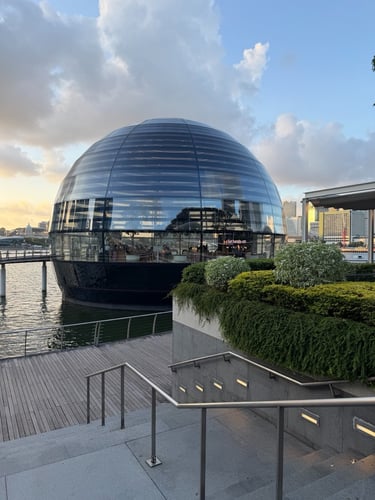


I entered the store and started looking for an Apple employee to help me, but before I even had to ask, two of them were already walking towards me. I told them I had decided on the MacBook Neo in Indigo, and they seemed excited for me too. A few minutes later, they came back with that beautiful white box. I purchased it right there and decided to unbox it in the store, which made the whole moment feel even more special.


Daily use
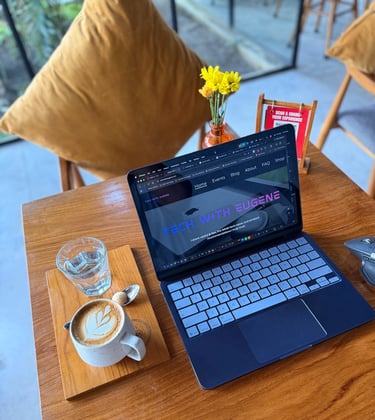
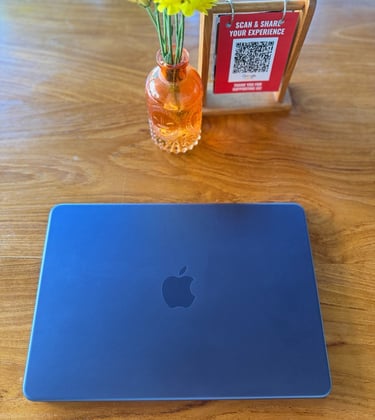
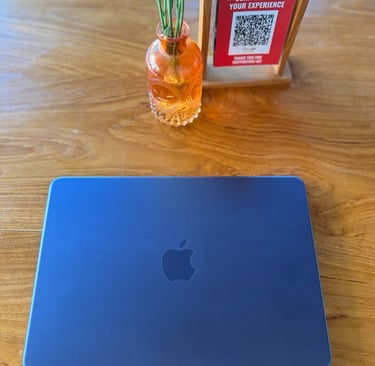
Once I was back in Bali, the MacBook Neo slowly became the laptop I reached for every day. One of the first things I did was take it to my favorite coffee spot, order a good coffee, open the MacBook Neo in Indigo and start writing. Most of the time I used it for typing blog articles, including pieces like this one. And that is where I really started to notice how nice this MacBook feels in daily use.
The keyboard is one of the things that surprised me most. It feels comfortable, solid and very familiar. In fact, it feels just as premium to type on as my older MacBook Pro with M1 Pro. That made writing long blog posts feel effortless.
The display also impressed me. It is bright, sharp and just very pleasant to look at for longer work sessions. Whether I was writing, editing, browsing or working in a café, everything looked clean and crisp.
Another thing I really love is how light it is. It has the same weight as the 13-inch MacBook Air M4, but somehow the MacBook Neo feels a little more compact in daily use. It is easy to carry around, easy to open anywhere and it really fits the kind of remote work lifestyle I love.
And then there is the Indigo color. Even after two months, it still feels special. It matches almost perfectly with my blue iPhone 17 Pro Max, and together they make one of my favorite Apple setups ever. The MacBook Neo is not just practical to work on every day. It also makes my whole setup feel more personal. Every time I start working, I think about switching back to my MacBook Pro M1 with its larger 16-inch display. But somehow, I keep reaching for the MacBook Neo instead.
Battery Life
Battery life has also been one of the biggest surprises for me.
Apple says the MacBook Neo can last up to 16 hours, but in real daily use, it genuinely feels like the battery just keeps going. When I charge it to 100%, I can almost get two full working days out of it.
For me, that means around 6 to 8 hours of actual work, spread over multiple sessions. Writing blogs, browsing, working in cafés and doing my usual daily tasks. It handles all of that without making me think about the charger all the time.
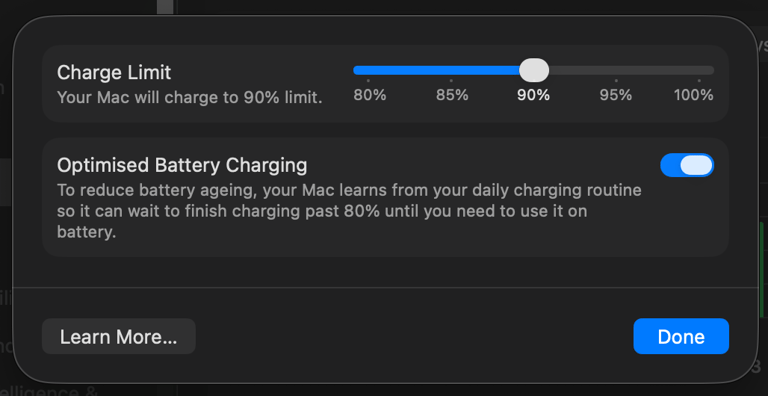
For a more budget-friendly MacBook, that is honestly really impressive. And after 2 months the battery is still great and really impressive. And with the recent macOS 26.4 update, you can now set a charge limit for the battery. This also works on the MacBook Neo, which is great if you want to keep the battery healthier for longer.
A18 Pro and macOS Tahoe 26
The MacBook Neo is powered by the same A18 Pro processor that Apple introduced with the iPhone 16 Pro in 2024. The fact that Apple used this processor for it's budget MacBook feels pretty impressive.
In daily use, it feels fast, smooth and more capable than I expected. It has enough power for 4K video editing, AI tasks and doing multiple things at the same time without feeling slow. For writing, browsing, editing and everyday creative work, the MacBook Neo never really feels like a “budget” laptop. In fact, it feels very fast and very premium to work on. The A18 Pro feels incredibly efficient.
I still can’t get over how good the keyboard feels to type on. It gives me almost the same typing experience as my MacBook Pro M1, which really surprised me. The keys feel solid, comfortable and premium, especially when writing longer blog posts. The only real downside is that the keyboard does not have backlighting. During the day, I honestly don’t mind it at all. But when I’m typing at night, it can be a little annoying that the keys don’t light up. That is one of the few moments where you notice Apple had to make some compromises.
macOS Tahoe 26
Another thing that really surprised me is how well macOS Tahoe 26 runs on the MacBook Neo.
Even though this is Apple’s more budget-friendly MacBook, it never really feels limited while using macOS. Everything I normally expect from a Mac is here and works beautifully. From multitasking and continuity features to Apple Intelligence, ChatGPT, Google Gemini, and all the familiar macOS features I use every day. It all feels smooth to me, fast and reliable. Apple Intelligence tasks also runs surprisingly well on the MacBook Neo. AI features feel quick and responsive, and the whole experience feels properly optimized for this laptop.
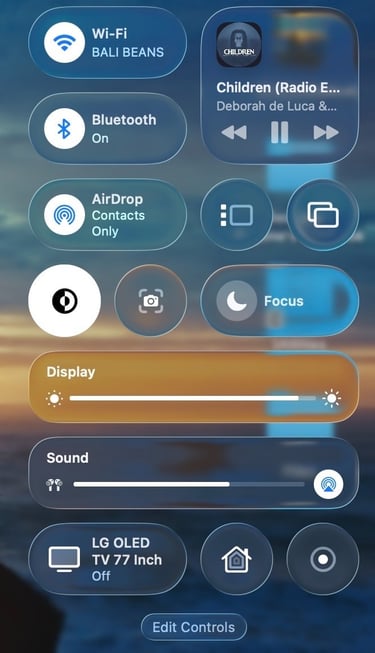
What I personally love most is that the MacBook Neo still gives you that full Mac experience. It does not feel like a “lighter” version of macOS or a stripped-down MacBook. You still get the same ecosystem, the same smooth Liquid Glass animations, the same apps and all the small Apple details that make using a Mac feel enjoyable every day. I really like that. And the good thing is that MacBook Neo keeps getting software updates for the upcoming years.
My take after 2 months
After using the MacBook Neo in Indigo for the past two months, I can honestly say this laptop surprised me more than I expected.
At first, I thought it would mainly be a beautiful and lightweight secondary MacBook. But over time, it slowly became the MacBook I kept reaching for every single day. Even over my 16-inch MacBook Pro M1.
The biggest surprise for me has been the balance Apple managed to create with this laptop. The battery life is genuinely impressive, the performance feels much faster than you would expect from a more affordable MacBook, and macOS Tahoe 26 runs beautifully on it with Apple Intelligence and other AI tools working perfectly fine.
I also really appreciate the small things in daily use. The MacBook Neo boots up incredibly fast, stays cool and silent, feels lightweight to carry around and is simply very comfortable to work on for hours. Whether I’m writing blogs in a café in Bali, editing content, multitasking or just browsing the web, the experience always feels smooth and effortless.
And I just LOVE the Indigo color. Even after two months, it still feels special every time I open the lid. Combined with my blue iPhone 17 Pro Max, it became one of my favorite Apple setups I have ever owned. I love the blue Apple aesthetics.
Of course, there are a few compromises, like the lack of keyboard backlighting, I have the non TouchID version, 1080p camera, but for me personally, those are small compared to everything this MacBook does so well.
The MacBook Neo feels very “Apple” to me. Lightweight, efficient, beautiful, fast and enjoyable to use every single day. And that is probably the biggest compliment I can give it after two months of daily use. I would buy the MacBook Neo again.
If you enjoy my content, you can also follow me on my Threads page. I post daily Apple insights, aesthetic photos, iOS tips, and the latest Apple news there. I’d really appreciate your support and would love to see you there. Scan the below QR code to go to my profile.