Your weekly dose of Apple news, iOS guides & more → Subscribe FREE

iOS 26.4 Beta Updates: What’s Changed So Far
Apple has released iOS 26.4 beta, and there’s more going on than you might expect. Here’s a clear breakdown of all the changes found so far.
3/10/20266 min read
Every iOS beta starts the same way for me: I install it early, use it daily, and share what I notice as soon as it pops up. iOS 26.4 has been no different.
Over the past days, I’ve been posting small discoveries, UI tweaks, and hidden changes on my Threads channel. Some obvious, some easy to miss unless you’re actually using the beta. Instead of letting those updates get lost in the feed, I wanted to bring everything together in one place.
This article is a roundup of what’s new in iOS 26.4 so far, based entirely on what I’ve personally spotted and shared while using the beta day to day. content.
Update: iOS 26.4 has been released to the public. Here is everything new.
Everything new in iOS 26.4 so far
Apple released two betas for ios 26.4 and here is everything thats new:
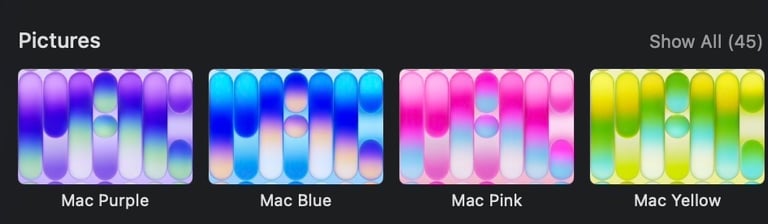
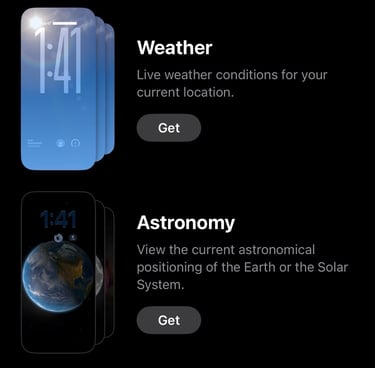
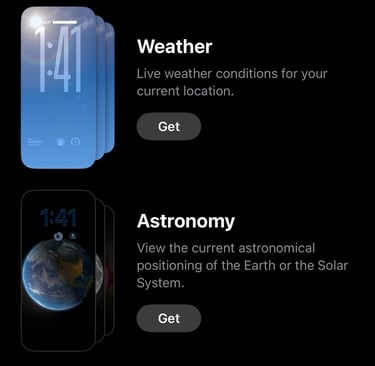
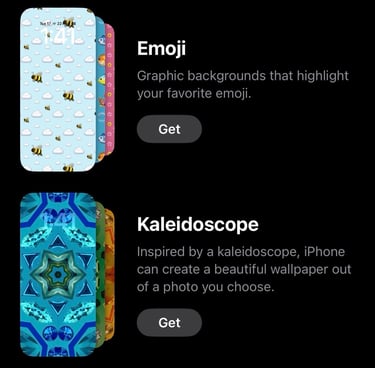
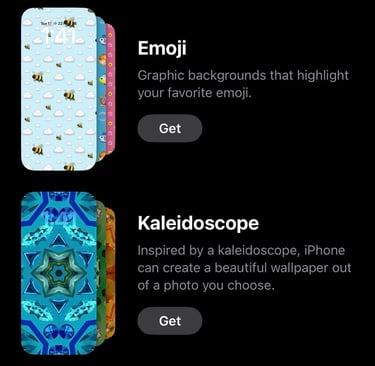
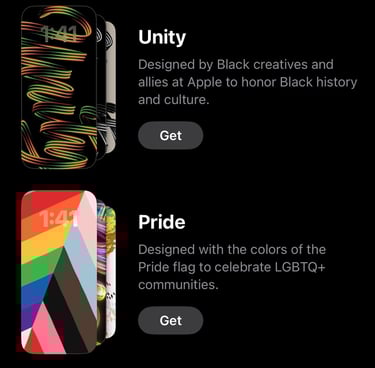
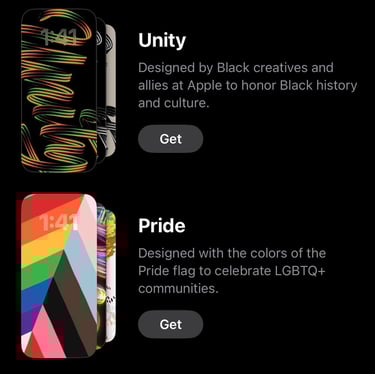
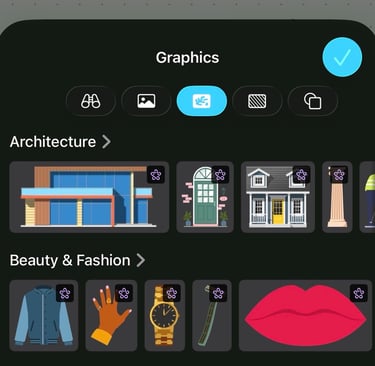
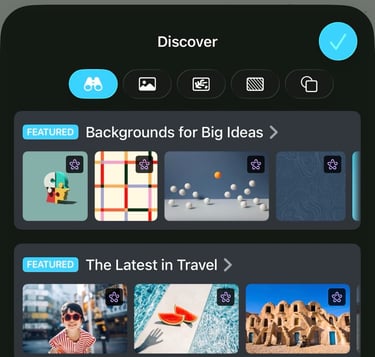
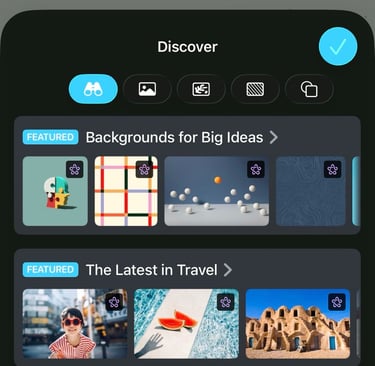
The Wallpaper gallery has received a fresh redesign. You can change your wallpaper by going to Settings → Wallpaper → Add New Wallpaper.
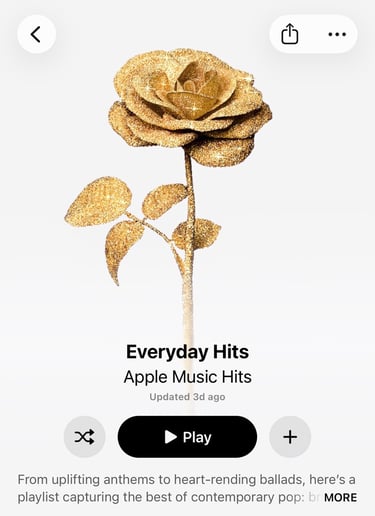
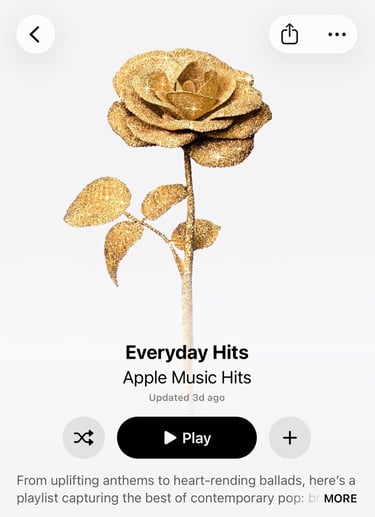
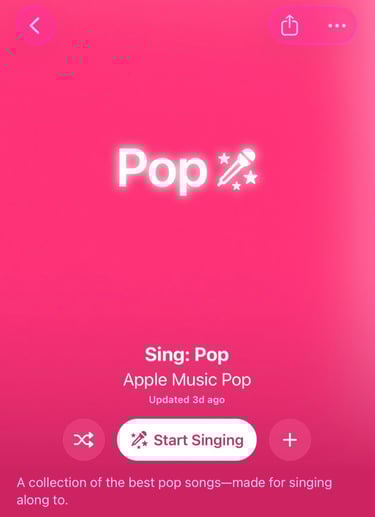
iOS 26.4 beta 1 brings a redesigned look to Playlists and Albums in Music. Colors now match the album or playlist and fill the screen 🎶📱 It also introduces Image Playground to create custom playlists generated by AI.
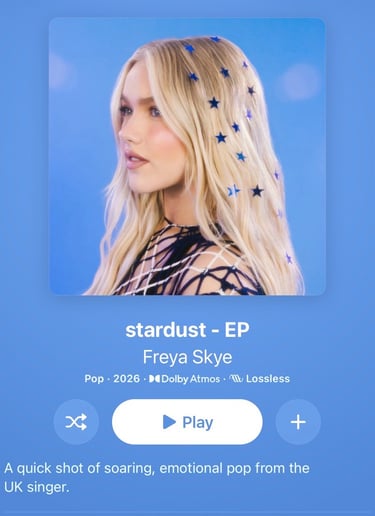
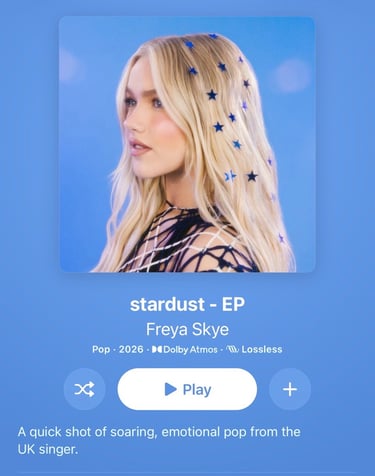
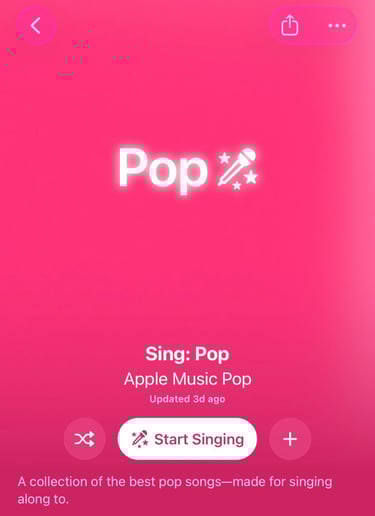
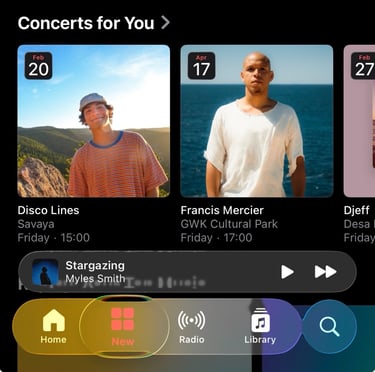
iOS 26.4 beta 1 bring a Concerts for You option in Music to show nearby Concerts.
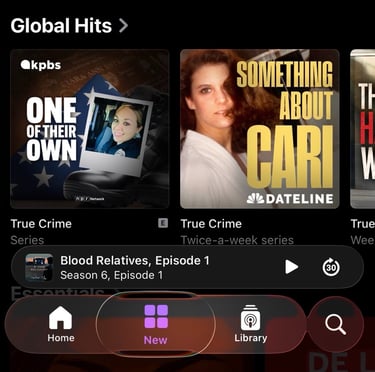
With iOS 26.4, Apple will introduce advanced video podcast capabilities for both creators and listeners. It’s coming to iPhone, iPad, Vision Pro and on the web 🎙️ This new option is planned for the final version in iOS 26.4.
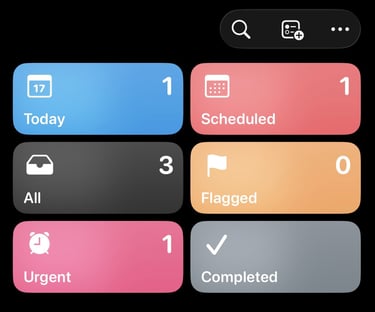
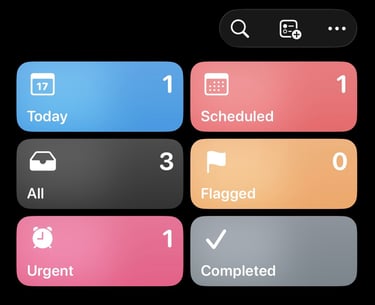
iOS 26.4 beta 1 adds a new Urgent Smart List in the Reminders app. Tasks marked as urgent are now grouped automatically and get an alarm to remind you on time ⏰
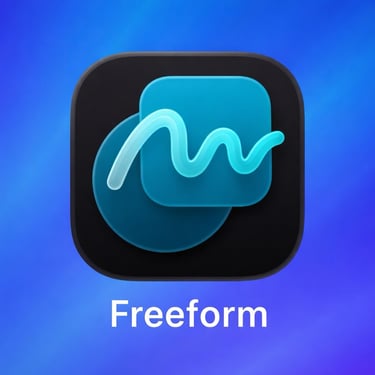
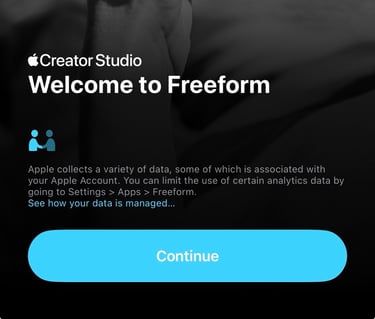
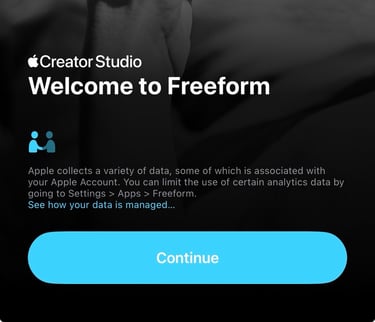
In iOS 26.4 beta 1, Apple updates the Freeform icon, now aligned with Creator Studio. Apple Creator Studio has launced in January '26, but the FreeFrom icon was still the old one.
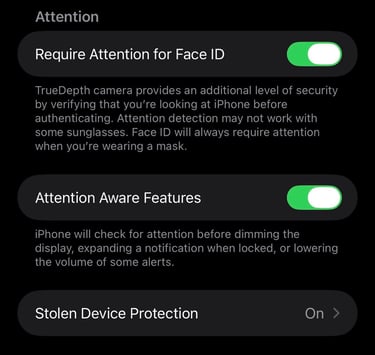
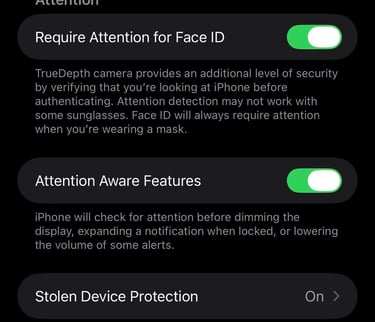
In iOS 26.4 beta 1, Stolen Device Protection is turned on by default 📱🛡️
iOS 26.4 beta 1 adds support for testing encrypted RCS Messaging between iPhones 🔒📱 In iOS 26.4 beta 2 support for iPhone to Android is added.
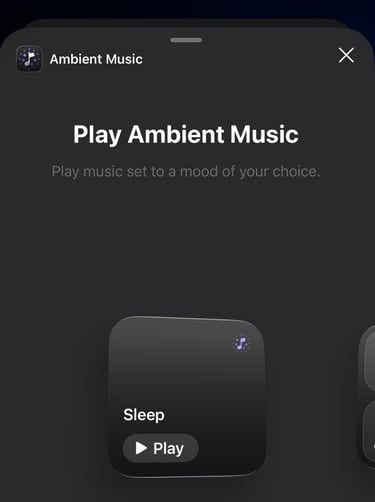
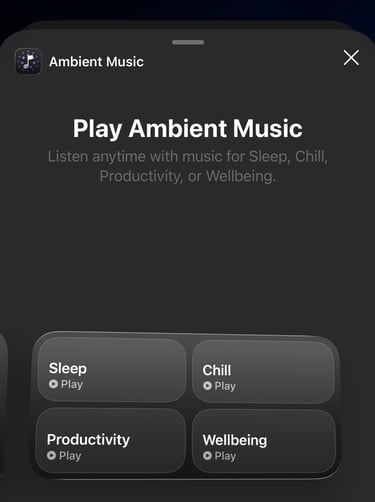
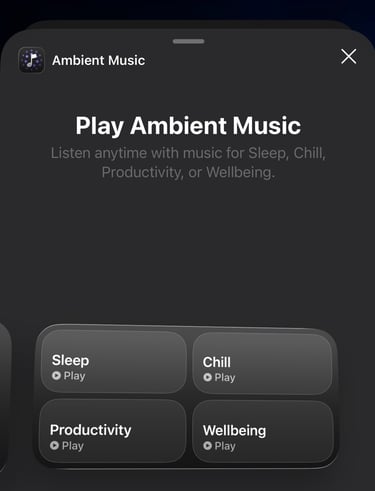
iOS 26.4 beta 1 introduces a new Ambient Music widget with two widgets for the Home Screen and Lock Screen. It plays music designed for sleep, productivity, and wellbeing.
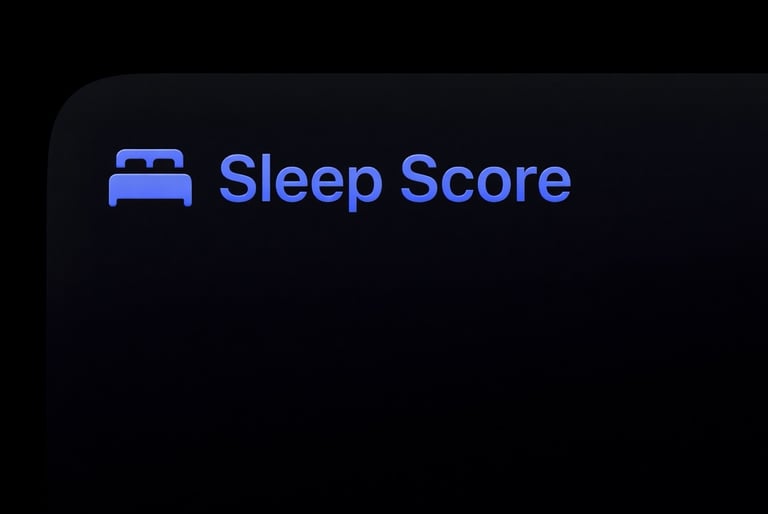
iOS 26.4 beta 1 gives your more Sleep data in Health. You can now view your average bedtime in Sleep Highlights and compare it over time for better sleep insights.
Apple Released iOS 26.4 beta 2 on February 24th. Here’s what’s new in this update.
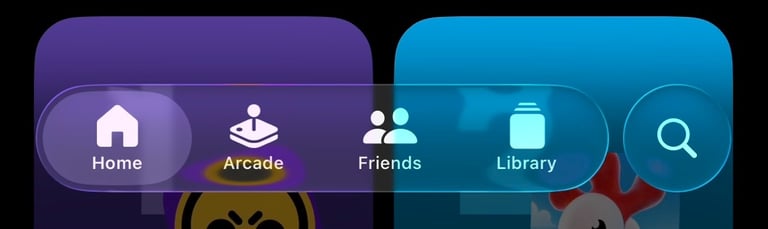
iOS 26.4 beta 2 moves the Search bar to the top in the Games app, aligning it with the old iOS 18-style layout. This change was already live in the App Store app in previous beta 1.
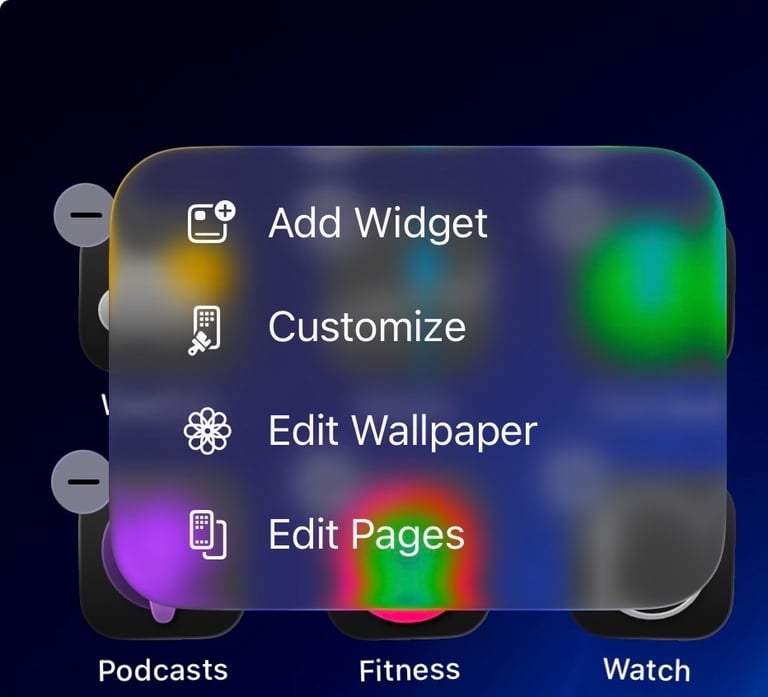
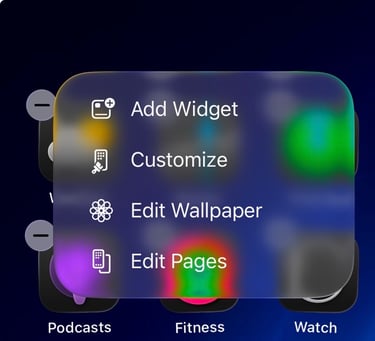
iOS 26.4 beta 2 brings more Liquid Glass effects to Home Screen editing.
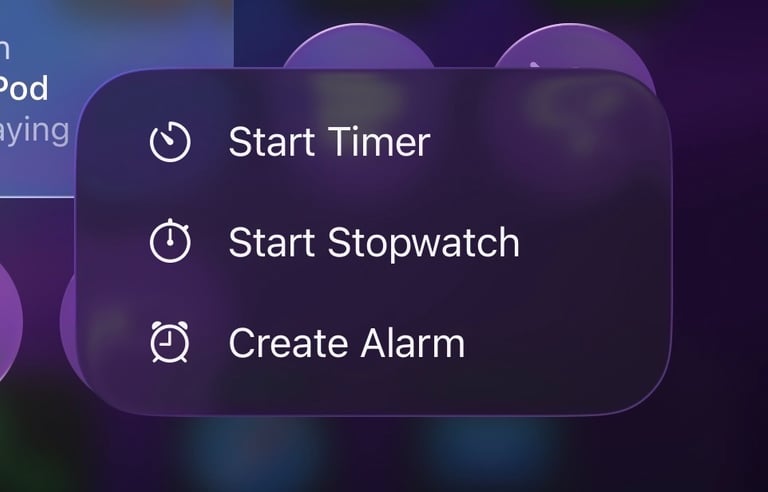
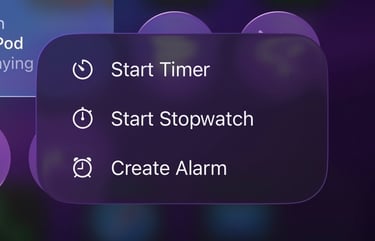
iOS 26.4 beta 2 brings a darker, more refined Liquid Glass look to Control Center menus.
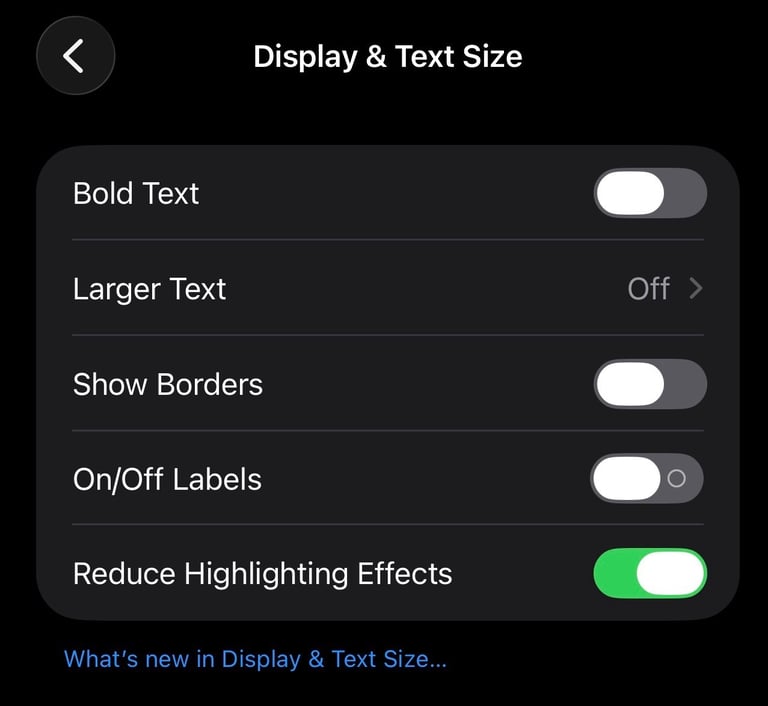
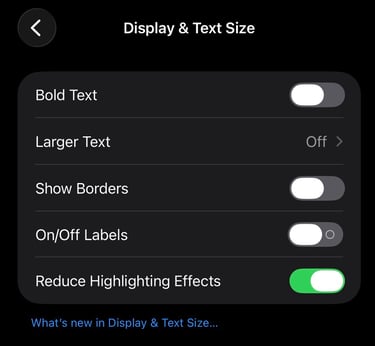
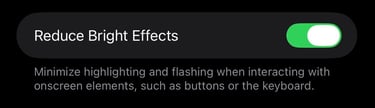
iOS 26.4 beta 2 adds a new Accessibility option called Reduce Highlighting Effects. You can find it in Settings → Accessibility → Display & Text Size. This setting is reducing effects arround sliders and edges of buttons
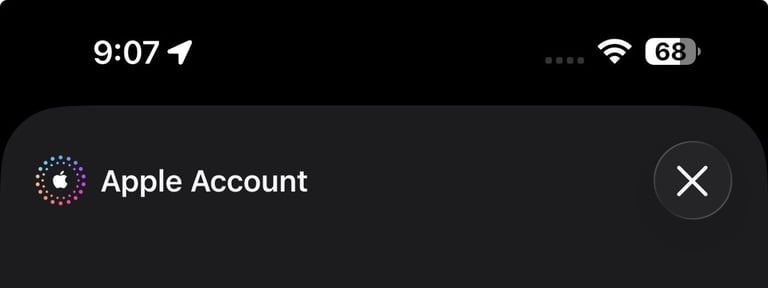
A subtle change in iOS 26.4 beta 2: when you tap your profile button in the top-right corner of the App Store, you’ll now see Apple Account with the logo in the settings overview.
That’s everything I’ve spotted in iOS 26.4 so far. If you’ve noticed a change I missed, feel free to send me a message. I’m always curious to see what others discover. I’ll keep testing new betas and updating this article as iOS 26.4 evolves, so feel free to bookmark it and check back later. Follow me on Threads to stay up to date with the latest iOS updates.
My personal best Apple Accesories
Some links are affiliate links. If you use them, I may earn a small commission at no extra cost to you.
Update: has released iOS 26.4 Beta 3 and Beta 4. One noticeable improvement is that the new emoji are now properly visible. In Beta 3 they appeared as question marks, but they now show as the intended emoji.
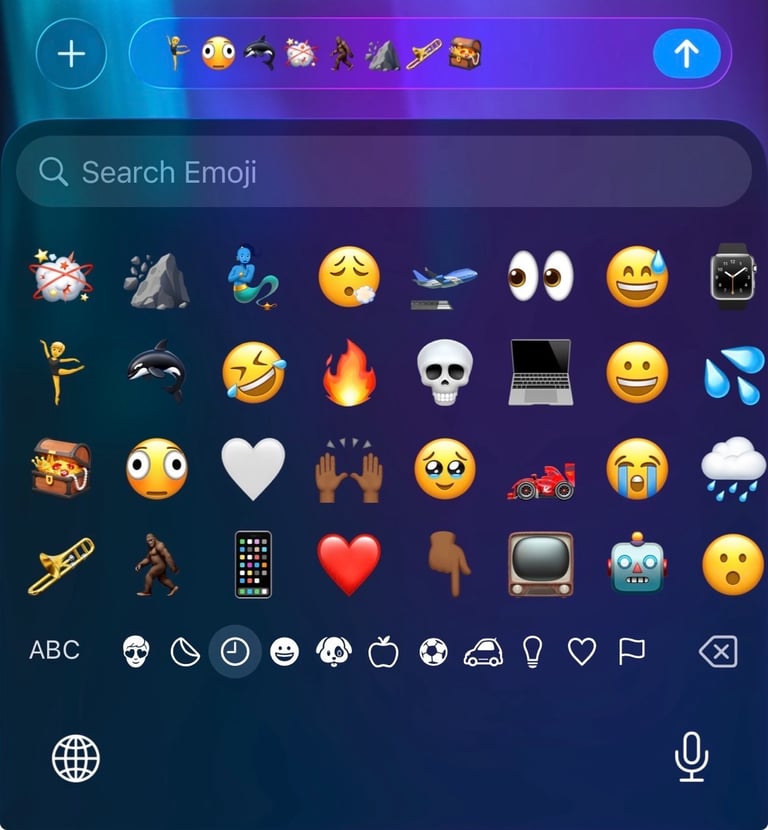
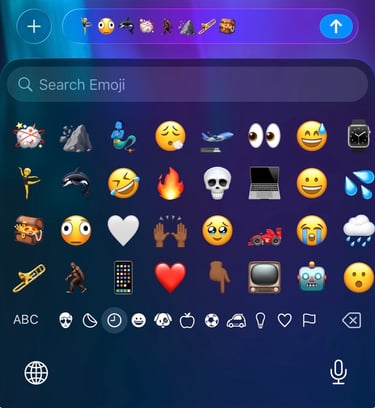
There are in total 8 new emoji added in iOS 26.4 beta 4. Here is the full list of emoji:
Ballet Dancers
Distorted Face
Fight Cloud
Hairy Creature
Landslide
Orca
Trombone
Treasure Chest
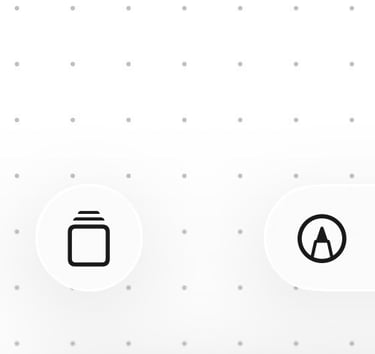
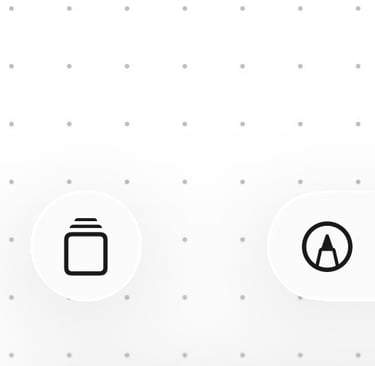
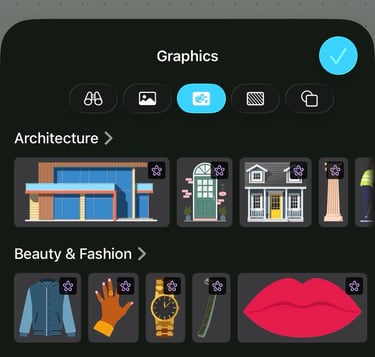
In iOS 26.4 Beta 4, the Freeform app gets an update. There’s now a new icon at the bottom that opens the template gallery, where you can start from ready-made templates.
With the release of iOS 26.4 Beta 4, Apple seems to have temporarily removed Encrypted Messages for RCS. The official release notes mention that the feature is currently not available during this beta. It’s possible that Apple will re-introduce it in a future beta update or include it again in the final public release of iOS 26.4.
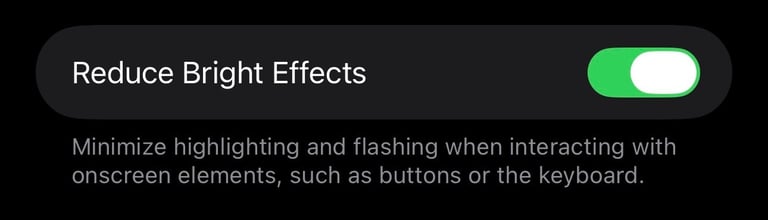
The setting previously called Reduce Highlight Effects in iOS 26.4 beta 3 is now renamed to Reduce Bright Effects in iOS 26.4 beta 4. You can still find it under Accessibility → Display & Text Size. This setting is reducing highlights when you are opening the keyboard or when you are editing the Home Screen.
In macOS Tahoe 26.4 Beta 4, Apple has added the default MacBook Neo wallpapers. These wallpapers were already available in the public release of macOS Tahoe 26.3.1, but they are now also included in the beta version. I also wrote an article about the MacBook Neo, where you can download the new wallpapers as well. You can read the full article here.