Your weekly dose of Apple news, iOS guides & more → Subscribe FREE

MacBook Neo Unboxing and First Impressions — A Surprisingly Premium MacBook
I visited the Apple Store in Singapore to pick up the new MacBook Neo in Indigo. In this article I unbox it, share my first impressions, and test its performance with macOS Tahoe and AI apps.
PRODUCT REVIEW
3/12/20267 min read
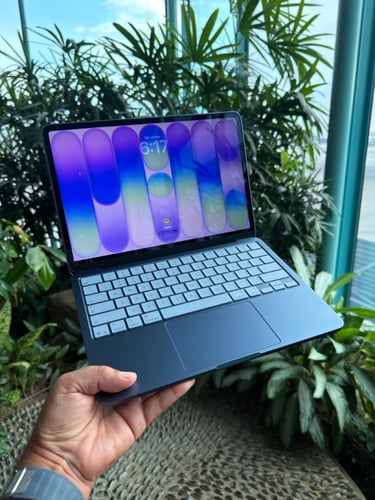
Last weekend I was in Singapore and I bough the new MacBook Neo in Indigo! And of course I couldn’t miss the chance to check out Apple’s newest products in person. Apple recently announced several new devices, including the MacBook Air M5, MacBook Pro with M5 Pro, MacBook Neo, Studio Displays, the iPhone 17e, and the iPad Air M4. I was curious to see how they look and feel in real life. In Singapore, there are three Apple Stores. One is located at Jewel Changi Airport, another on Orchard Road, and the flagship floating Apple Store at Marina Bay Sands. In this article, I’ll unbox the MacBook Neo and share my first impressions, so let’s get started. A fun fact is that I am typing this blog article on my new MacBook Neo.


Deciding which color
The MacBook Neo is available in four different colors: the advertised Citrus, Indigo, Blush, and Silver. When Apple first announced the MacBook Neo, the Citrus color immediately caught my attention. I thought to myself: this is really my color. It also matched nicely with my blue iPhone 17 Pro Max, so I was already convinced that Citrus would be the one I would buy.
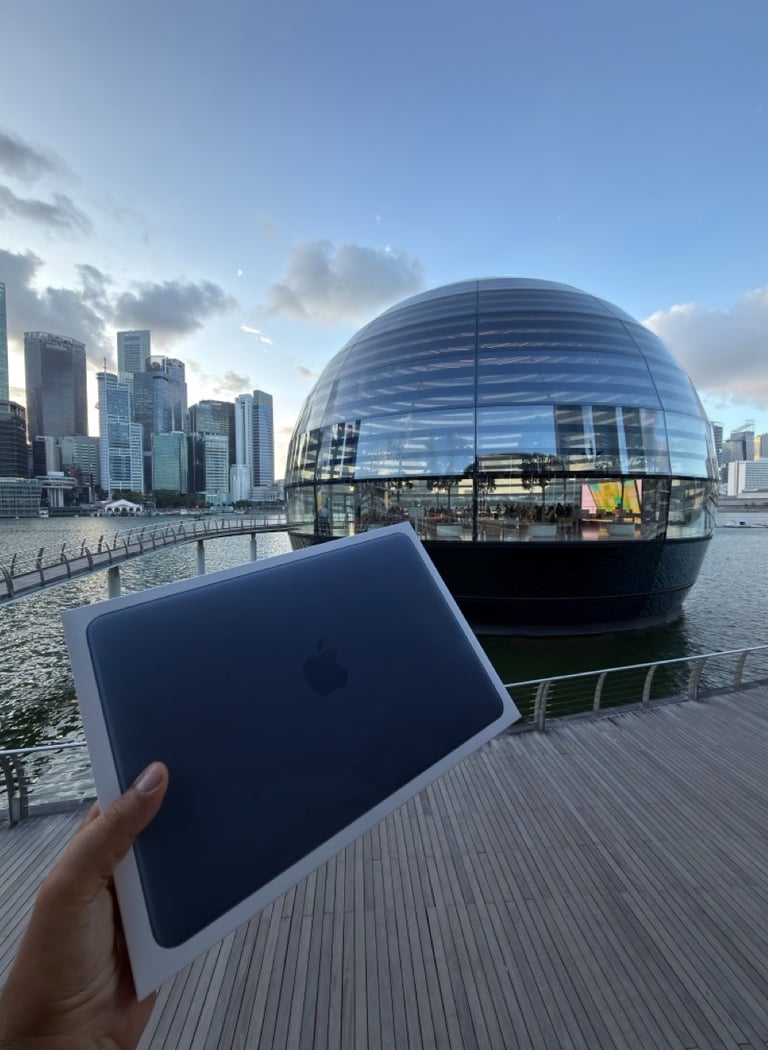
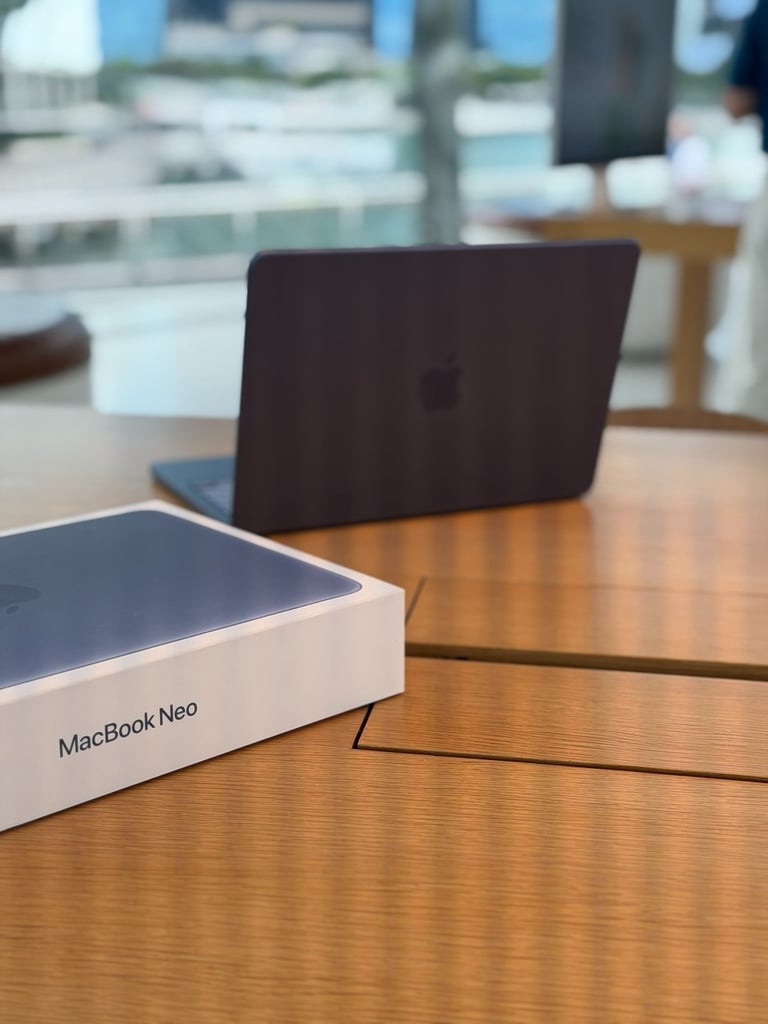
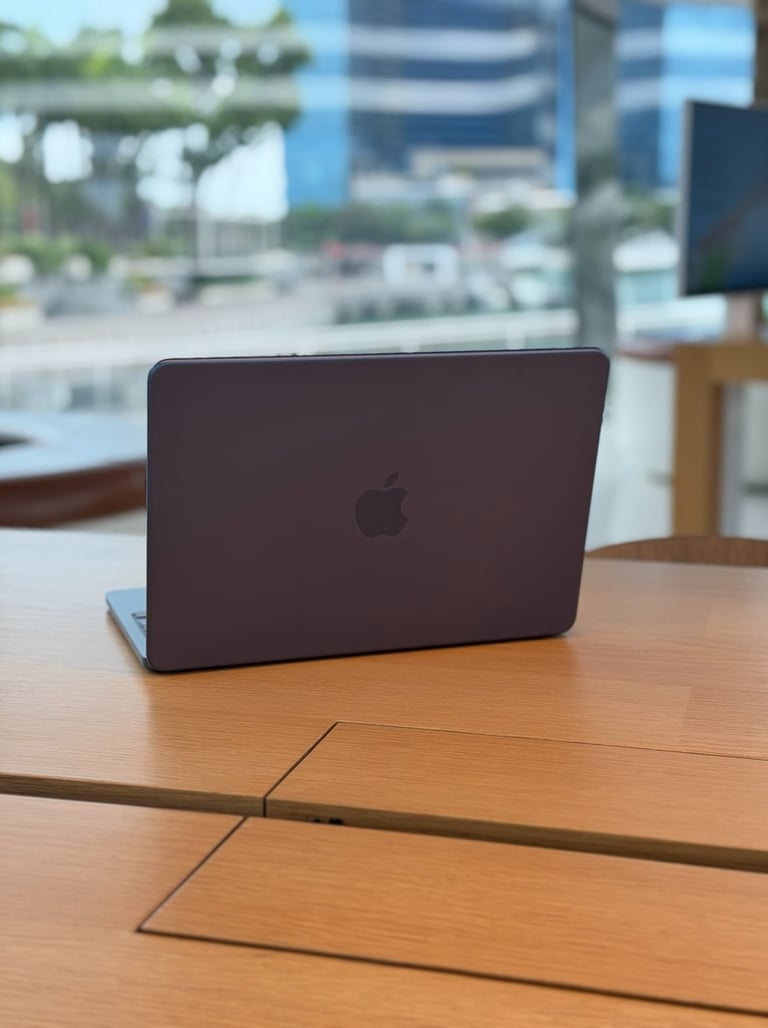
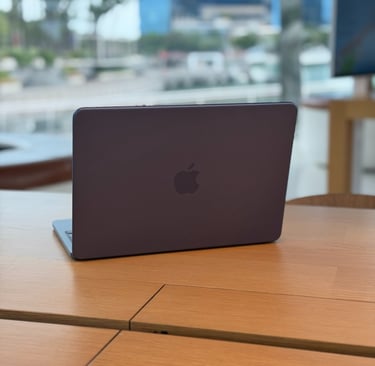
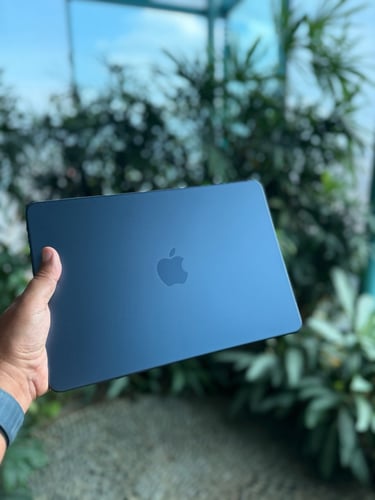
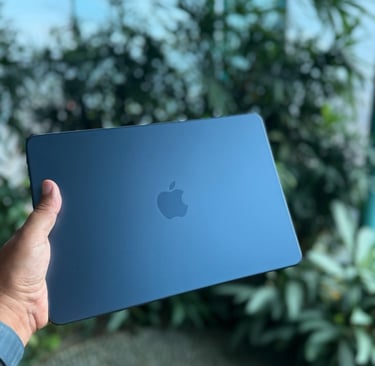
But when I arrived at the Apple Store and saw the colors in person, my opinion quickly changed. The moment I saw the Indigo version, I was sold. In real life, the Indigo MacBook Neo looked incredibly good to me.
When I looked at the Citrus model in person, it actually felt a bit too eye-catching for my taste. I realized that in the long run the bright color might start to bother me. So in the end, I did made a last-minute decision and went for the Indigo MacBook Neo instead. And I’m really happy I did.
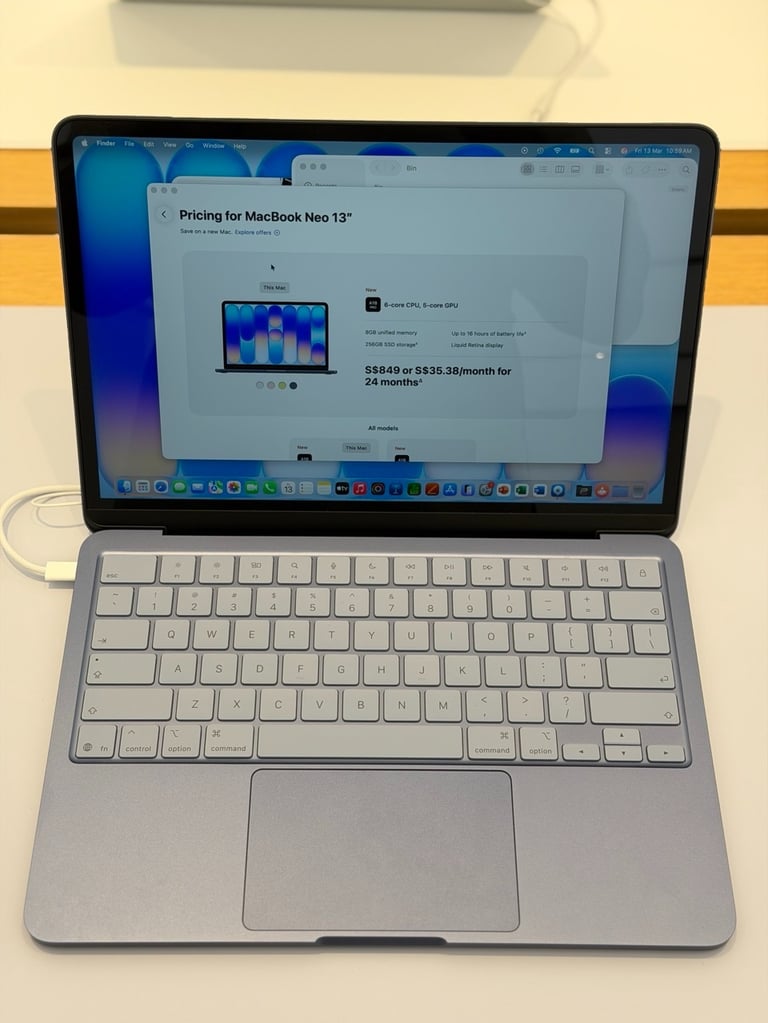
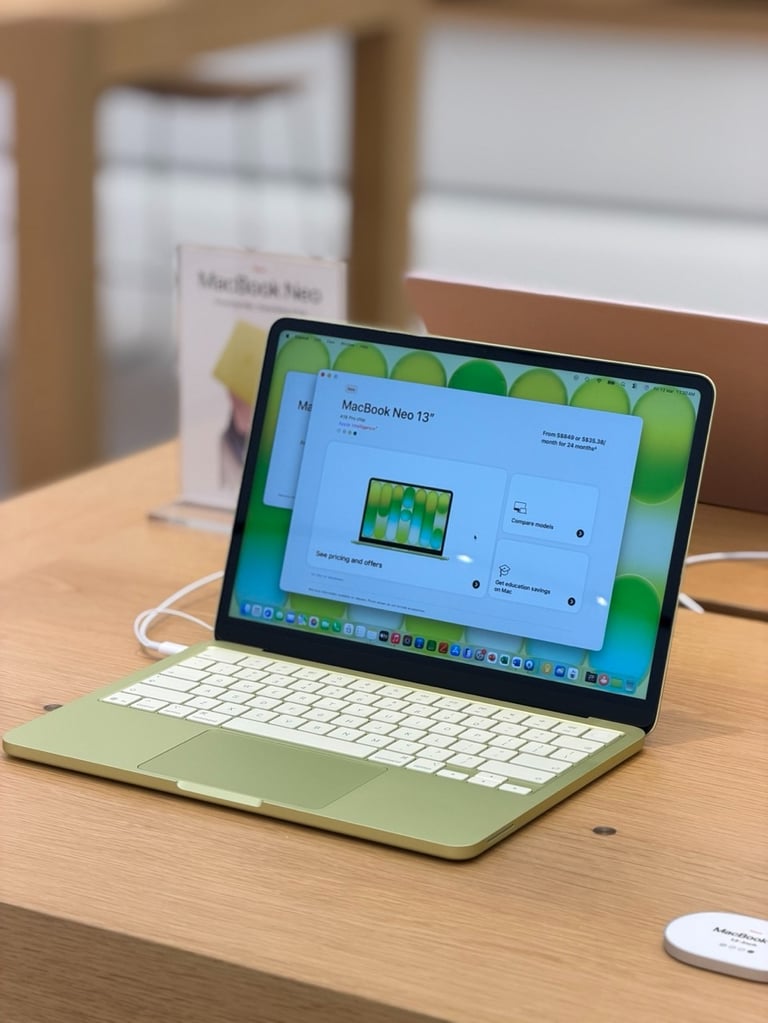
First moments
Buying a new Apple product always feels a little special to me. It’s not just about the device itself. It’s the whole experience around it. I always feel a bit excited when it’s time to pick up a new MacBook.
When I arrived at the Apple Store, I asked one of the staff members if the Indigo version was still available. Luckily, they told me that all the colors were still in stock. The only model that had already sold out was the 512GB version in Blush. That meant I could still go for the Indigo MacBook Neo I had just fallen in love with. They told me to wait there for a moment while they went to get the MacBook. Just a few minutes later, they returned with the MacBook Neo in Indigo. Pro tip: The staff also told me that if you’re traveling with your new MacBook, you can claim a tax refund at the airport. All you need to do is visit the Tax Refund Office at the airport in Singapore. When buying the MacBook, you just have to let the staff know so they can scan your passport and prepare the tax refund for you. This also works at other Apple Store and in other countries.
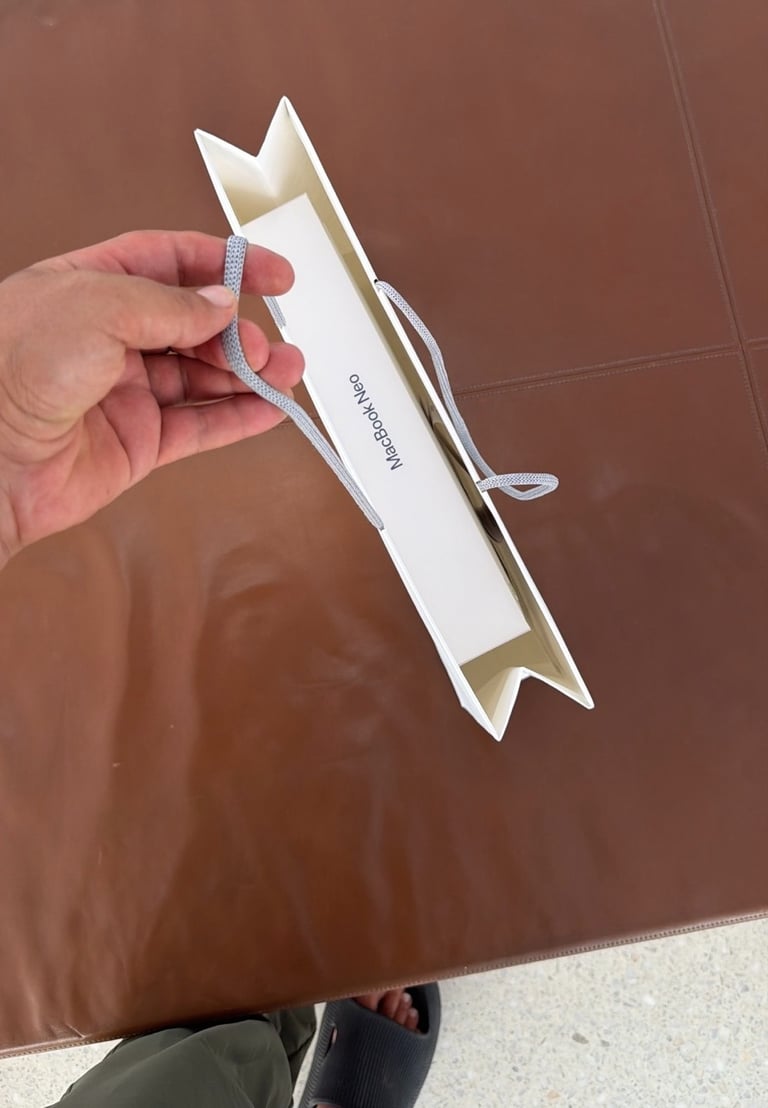

Unboxing
I was honestly really excited and couldn’t wait to unbox it. I was still inside the Apple Store at Marina Bay Sands and decided that I didn’t want to wait until later. I wanted to open it right there in the store.
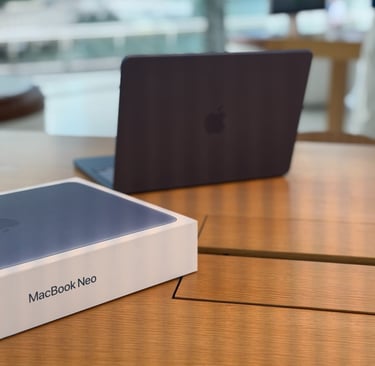
So I moved to one of the larger tables and started the unboxing there. And like I’ve mentioned in some of my earlier blog posts, opening the box of a MacBook always feels special. Apple really makes it an experience. The packaging feels premium, clean, and very stylish.
The moment I lifted the MacBook Neo out of the box, I was genuinely impressed. It feels incredibly premium and surprisingly light. Peeling off the protective seal and opening the MacBook for the first time is always a great moment.
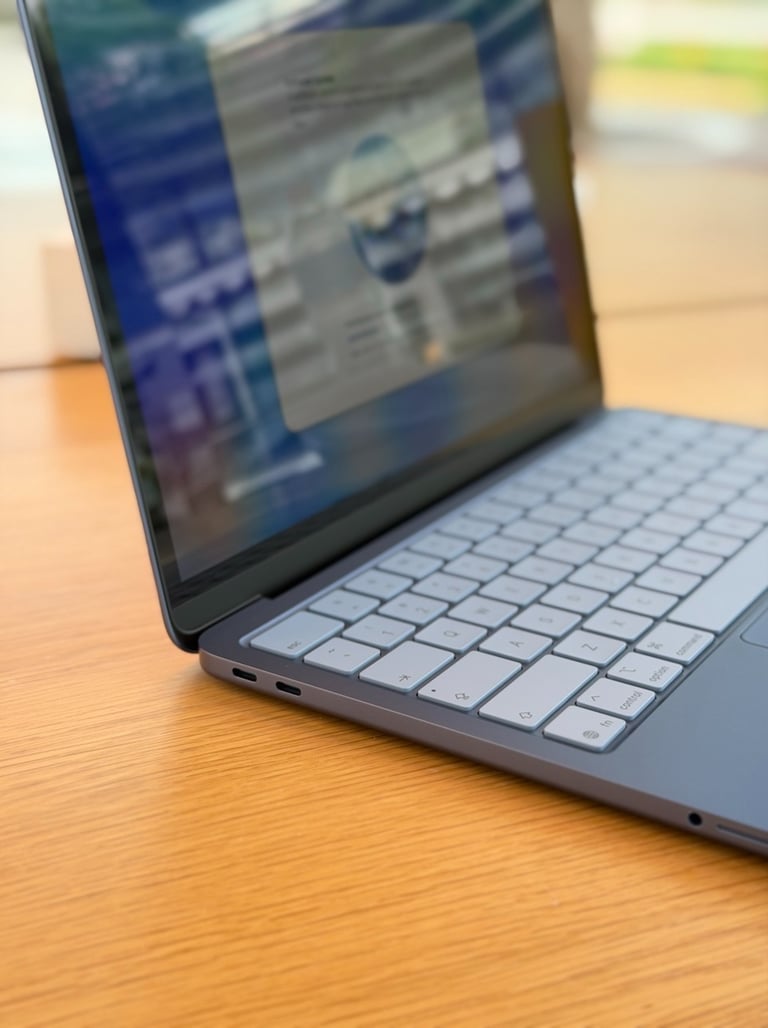
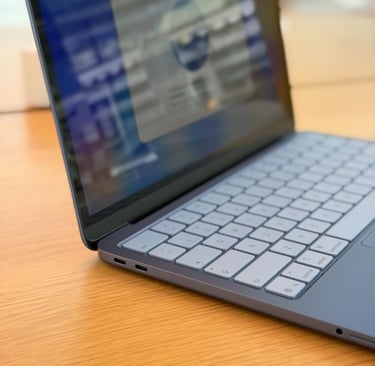
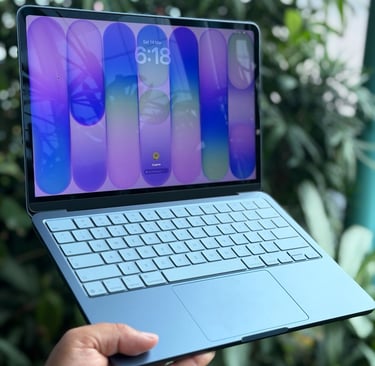
The keyboard perfectly matches the color of the MacBook, which gives it a very clean look. And just like on Apple’s other MacBooks, the keys feel solid and premium when typing. It’s exactly the quality you would expect from a MacBook.
The display is another thing that immediately stood out to me. It’s a Liquid Retina display and looks incredibly sharp and beautiful. Everything on the screen just looks clear and vibrant.
One of the first things I noticed was how fast the MacBook Neo feels. It’s powered by the A18 Pro chip, the same chip Apple uses in the iPhone 16 Pro. Even though it comes from a smartphone, it performs incredibly well in the MacBook. The MacBook started up very quickly, and the entire setup process was fast and smooth.
Another thing I really like about the MacBook Neo is the sound. It comes with built-in Dolby Atmos speakers, and they actually sound very impressive for such a thin and light laptop. It even supports Apple Lossless audio, which is great if you enjoy listening to high-quality music.
And there was one detail that honestly surprised me. The MacBook Neo still includes a headphone jack, and it’s placed in a very practical spot right next to the speaker. That means if you’re using 3.5 mm On-Ear headphones, or EarBuds, you can easily plug them in and start listening right away.
Setup for the first time
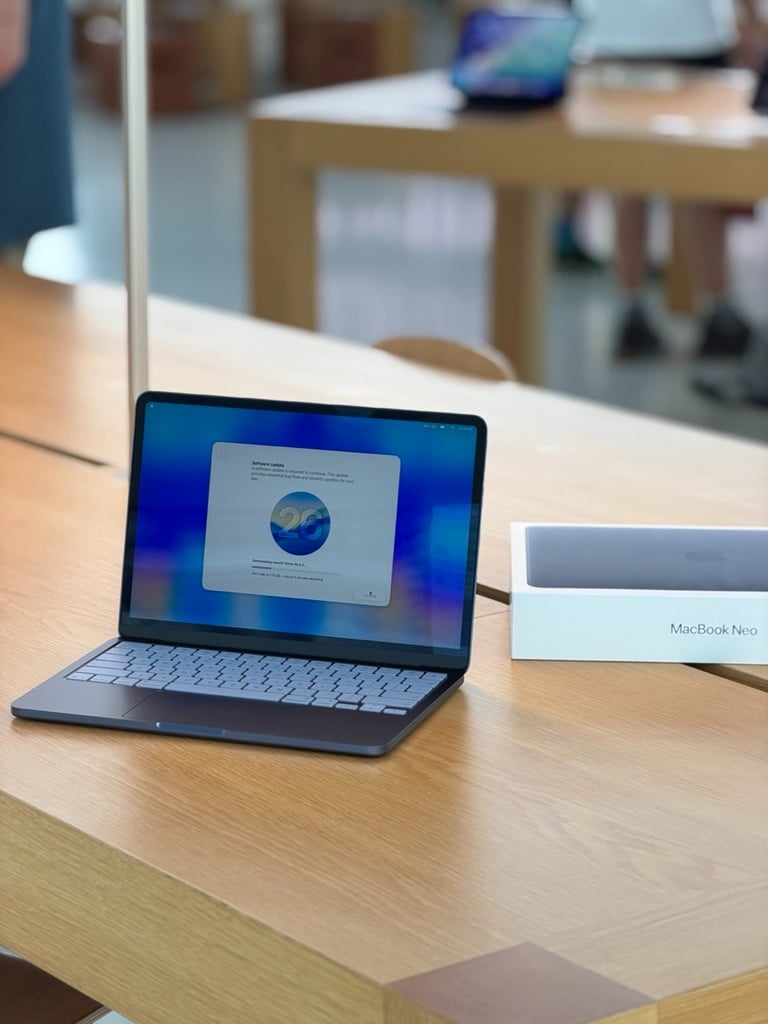
When I started using the MacBook Neo for the first time, it required a setup with macOS Tahoe 26.3.2. This version includes several bug fixes and security updates, and Apple requires it to run on the new MacBook. But like I said, it already felt fast and installation was very quick. Because I was using the Apple Store’s Wi-Fi, the update downloaded really fast and the installation was finished within a few minutes.
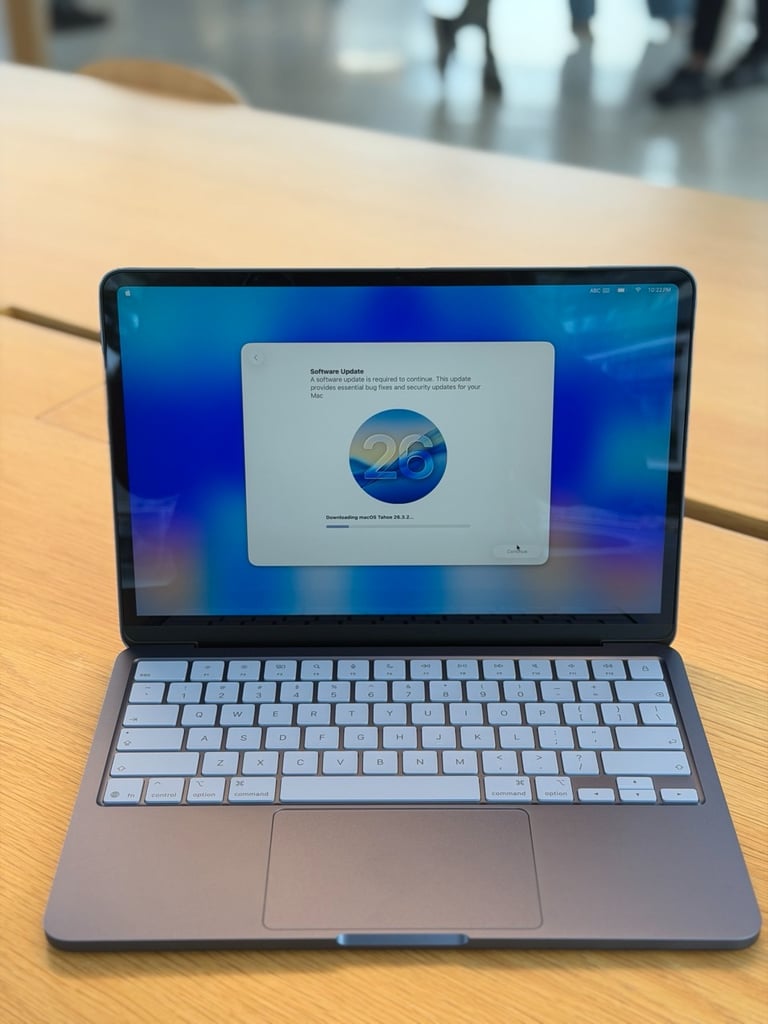
After the installation was finished, I could finally start using my new MacBook Neo. My first thought was: wow. This MacBook just runs macOS like you would expect from any other Mac, and it really feels like a premium device. Even though it’s positioned as a more budget-friendly MacBook.
The first thing I did was download some of my favorite apps. I was also curious to see how well AI apps would perform on it. So I installed a few, including the ChatGPT app and Apple Intelligence’s Image Playground.
I have to say, I was genuinely impressed. I couldn’t believe how fast everything ran and how smoothly it handled these AI apps. Thanks to the A18 Pro chip, the MacBook Neo really delivers great performance. It’s quick, responsive, and honestly much more powerful than I expected.
I also really loved the sound from the built-in speakers. I tested them using the Apple TV app and played one of the shows there. What immediately stood out to me was how immersive the sound felt. You can clearly hear the audio coming from the sides, which really gives you that Dolby Atmos feeling.
It’s honestly impressive that such a rich and spacious sound can come from just two small speakers built into such a thin laptop. I didn’t expect them to sound this good.


Remote Work
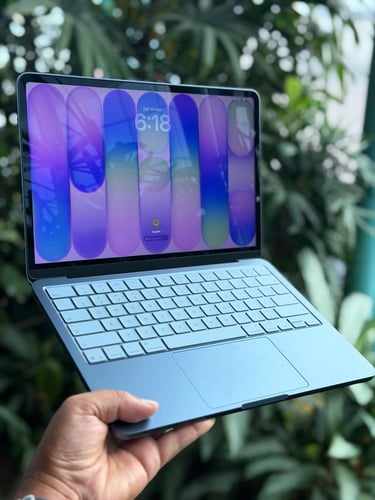
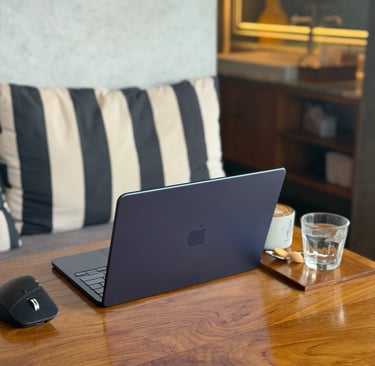
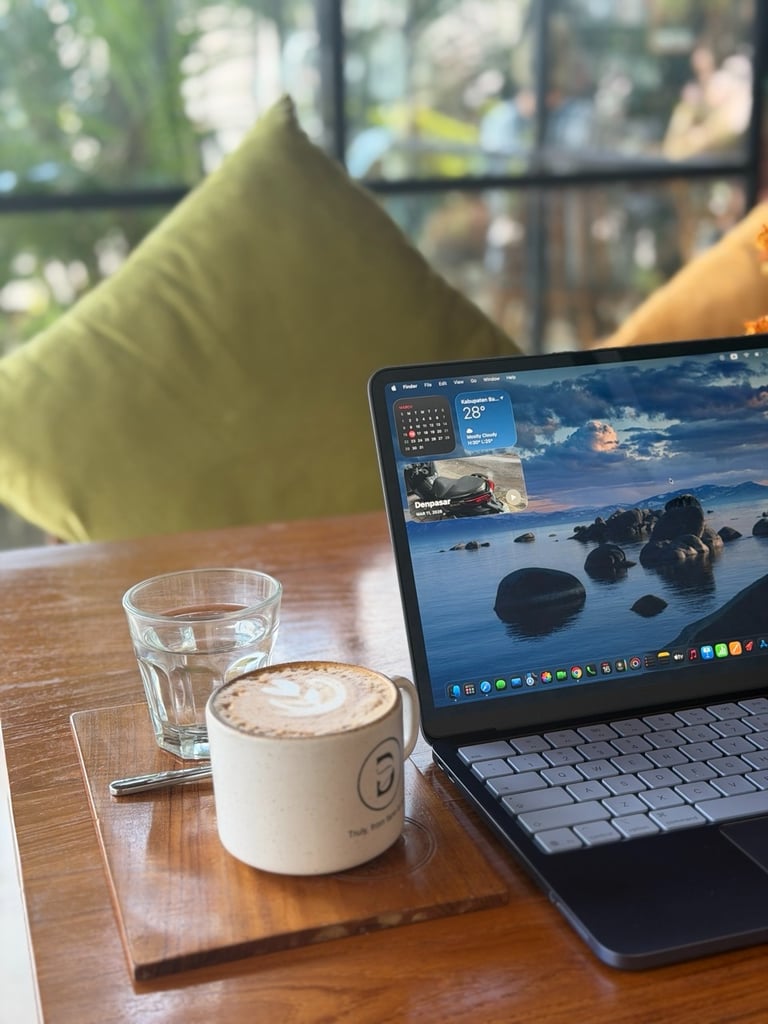
And yes, the MacBook Neo is also a great laptop for remote work. One of the things I really like about it is how light it is. The MacBook Air has always been known as a fantastic travel laptop because of its weight, and the MacBook Neo honestly feels just as comfortable to carry around.
It weighs only 1.23 kg, which is exactly the same as the MacBook Air M4. Because of that, it’s incredibly easy to take with you wherever you go. So if you like working in a cafe, just like me or at the airport, or somewhere else while traveling, the MacBook Neo feels like a perfect companion for remote work. And let’s be honest: the Indigo color looks amazing when you’re working in a café, doesn’t it?

My thoughts
After spending some time with the MacBook Neo, I have to say I’m really impressed. The A18 Pro chip is incredibly fast and makes everything feel smooth and responsive, even when using AI apps like ChatGPT and Apple Intelligence Image Playground. It honestly performs much better than I expected from a more budget-friendly MacBook.
The battery life is also very impressive, which makes it a great laptop for working on the go. Combined with its light weight, beautiful Liquid Retina display, and the premium feel of the keyboard and build quality, the MacBook Neo really feels like a true MacBook experience.
And of course, I’m very happy with my color choice. Seeing the Indigo version in person completely changed my mind, and it looks even better in real life than I expected. It has a very clean and stylish look, and it was the moment I saw it in the Apple Store that made me decide to go for this one.
All in all, the MacBook Neo turned out to be a fantastic device. It’s fast, lightweight, beautifully designed, and perfect for everyday use or remote work. For me, it definitely feels like one of those Apple products that simply puts a smile on your face when you start using it.